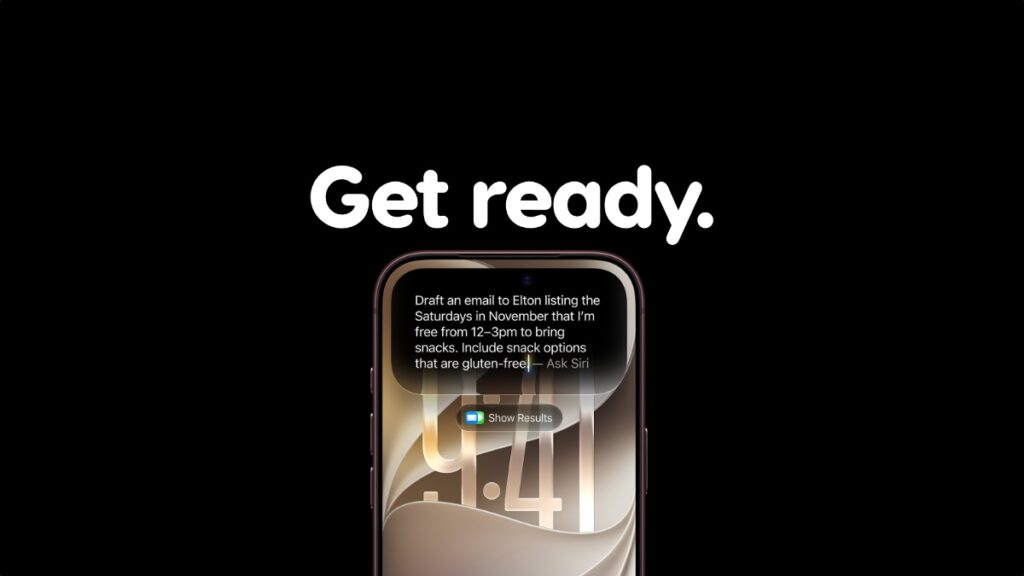

iOS 27 and iPadOS 27 are all set for release tomorrow, and here’s how you can prepare your iPhone and iPad for them right now.
Apple Will Release iOS 27 and iPadOS 27 Tomorrow, Start Preparing Your iPhone and iPad Right Now for a Smooth Upgrade Experience
Though Apple mostly talked about Siri AI and Apple Intelligence when announcing iOS 27 and iPadOS 27, these are pretty big updates for all iPhone and iPad devices still. And, if you want to experience everything as smoothly as possible, it’s best that you’re prepared for it all in an organized manner right now, just before the official release day.
Check Device Compatibility
All the fun will go out the window once you find out that your iPhone and iPad aren’t compatible with the new updates. Before taking one step forward, check out the list posted here and see if your device is officially supported by iOS 27 or iPadOS 27.
Free up a Ton of Storage
You need to free up at least 15-20GB of storage on your iPhone and iPad in order to download and install iOS 27 or iPadOS 27. Head over to Settings > General > iPhone/iPad Storage. Start removing everything and anything that’s unwanted.
Time to Create that Backup
Whether you want to do it using iCloud or Finder, make sure your iPhone or iPad data is completely protected before iOS 27 and iPadOS 27 drops. You’ll find the complete tutorial posted here.
You Can Install the iOS 27 and iPadOS 27 RC (Optional)
For developers and public beta testers, the final version of iOS 27 and iPadOS 27 is already available for download. If you’ve done everything above, then you’re good to go already and don’t have to wait for tomorrow to come.
Head over to this link, and I’ll walk you through everything you need to know on how to download and install iOS 27 or iPadOS 27 immediately. But again, this is an optional step, and it’s entirely up to you whether you want to download the updates now or with the rest of the world tomorrow.