


You can now download the new macOS 27 Golden Gate developer beta 1 on your Apple silicon Mac, that too over the air.
Beta 1 of macOS 27 Golden Gate Now Available to Download Over the Air on Compatible Apple Silicon Mac
If you’ve been patiently waiting for macOS 27, then you can take the developer beta out for a spin right now. The full and final version of the update will become available for everyone to download later this year.
Assuming you do have an Apple silicon Mac, and wish to take the new features for a spin, all you have to do is download the update straight from Apple, and I’ll show you exactly what you need to do.
Check macOS 27 Compatibility
Apple made it clear last year that macOS 26 Tahoe is the last update that supports the Intel Mac. If you have any Apple silicon Mac at all, you can download and install the new macOS 27 beta on it right now. This means any Mac with the M1 chip will work just fine with the new update.
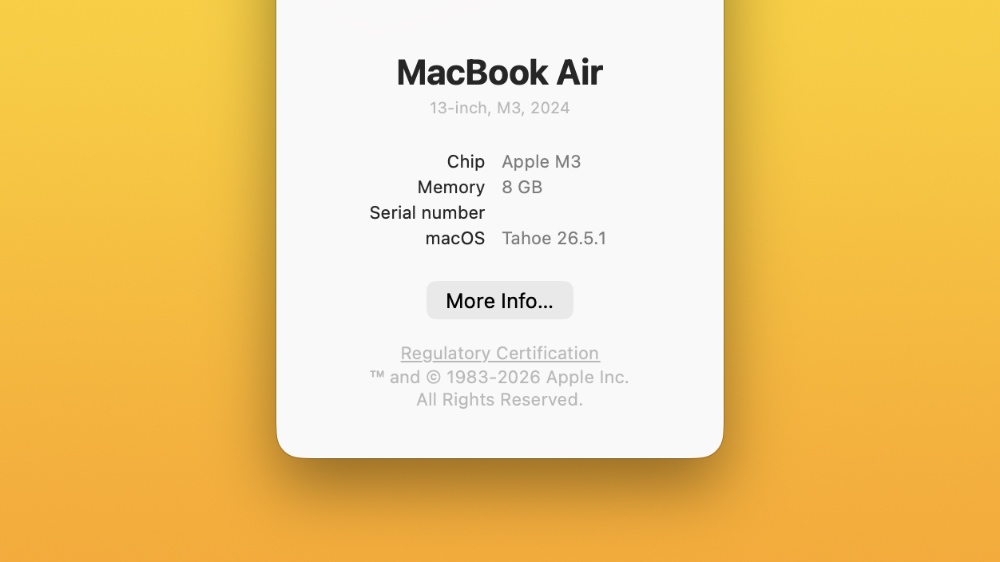
If you want to quickly find out if you have an Apple silicon Mac, then simply click on the Apple logo in the menu bar, and then click on About This Mac. Right next to ‘Chip’ it should say something like ‘Apple M1’ or ‘Apple M3.’ You get the point.
Backup Everything
Once you have confirmed that you have an Apple silicon Mac, it’s time that you took a backup of everything important. If you are already have iCloud backup enabled, then stuff like photos, videos, reminders, notes, are already safe and secure. Data inside folders that are not linked with iCloud will require manual backup, so save everything either to iCloud, or an external disk.
Sign up to the Apple Developer Program
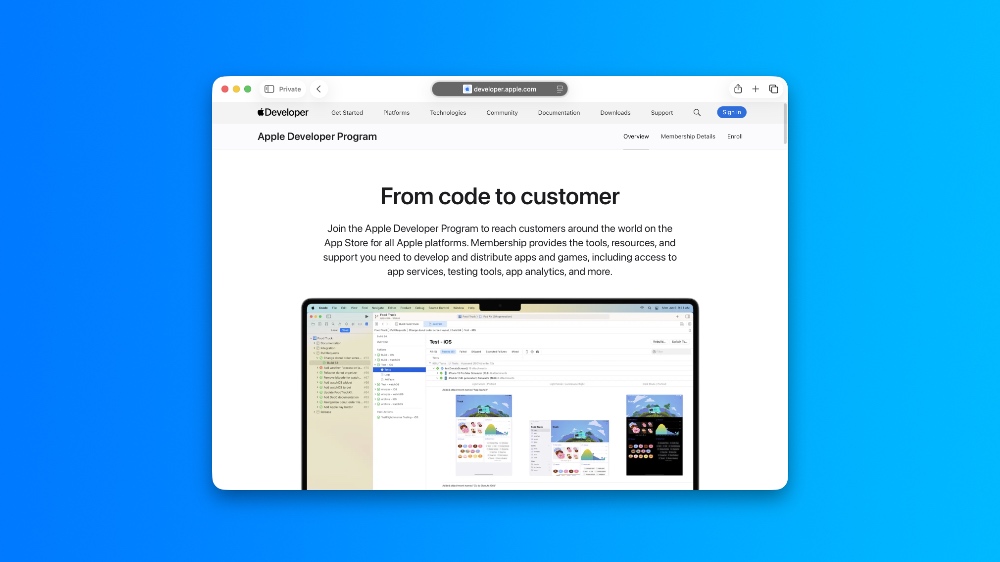
It’s true that the Apple Developer Program costs $99 a year. But, if you don’t plan on submitting apps to the App Store, and only want to test out beta software updates, it’s completely free. You can sign up using your Apple Account by going to this link.
Enable macOS 27 Developer Beta Updates on the Mac
Once your Apple Account has been enrolled in the Developer Program, you now have to enable the macOS 27 developer beta update on your Mac. In order to do this, follow these steps:
Step 1. Launch the System Settings app.
Step 2. Click on the General on the left.
Step 3. Click on Software Update.
Step 4. Click the (i) button next to Beta Updates.
Step 5. Select macOS 27 Developer Beta from the drop-down menu and click on Done.
Your Mac is now set to receive macOS 27 developer beta updates.
Download macOS 27 Developer Beta Over the Air
Step 1. Make sure you are connected to the internet using Wi-Fi or Ethernet.
Step 2. Launch the System Settings app.
Step 3. Click on General from the list of options on the left.
Step 4. Now click on Software Update on the right.
Step 5. Wait a few seconds for the page to refresh and you’ll see ‘macOS 27 Developer Beta’. Just click on Update Now to initiate the download process.
Once everything is complete, you can enjoy Apple’s latest software update for the Mac in all its prerelease glory.
macOS 27 Golden Gate Beta 1 Build Number
Apple says the first beta of macOS 27 has the following build number: 26A5353q




