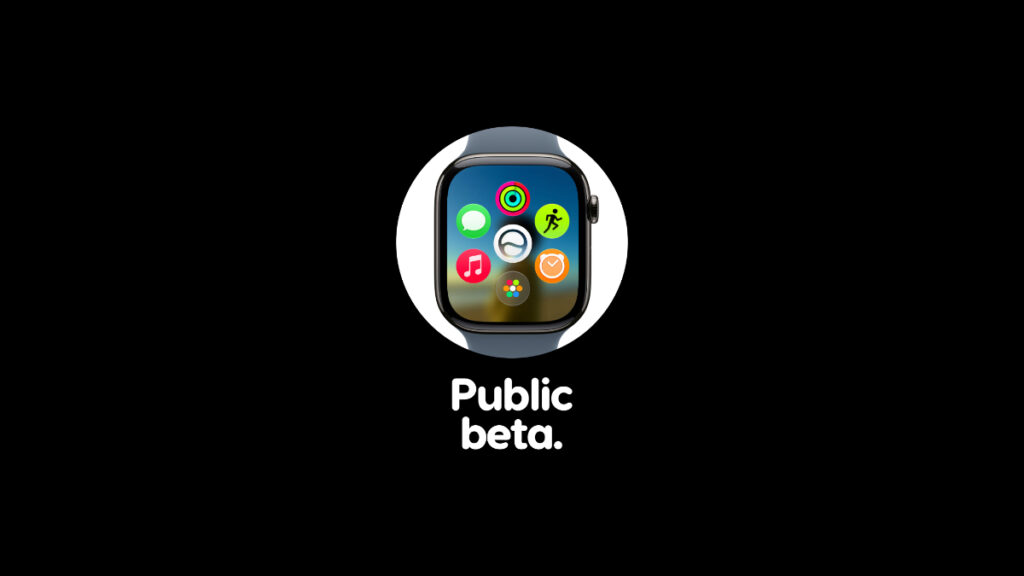

You can now officially download and install watchOS 27 public beta on your Apple Watch with Siri AI and other new features.
First Public Beta of watchOS 27 is Now Available for Download on Apple Watch with Siri AI, Install it Now for Free
I’m certain you’ve been looking forward to the new watchOS 27 public beta for a wide variety of reasons, with Siri AI being one of them. Thankfully, the public beta is here, and before you go ahead and install it, there are a few things you should know.
You Cannot Downgrade Back to watchOS 26
It should be made clear right away that once you download and install watchOS 27 public beta on your Apple Watch, you cannot downgrade back to watchOS 26. You have to install each and every beta update until the final version becomes available later this year. Only then you’ll get off the public beta channel.
Check watchOS 27 Compatibility with Apple Watch
Apple went overboard with device compatibility this year, that too in a bad way, because it dropped support for a lot of Apple Watch models in one go.
Have a look at the brief list below and make sure your Apple Watch is supported before moving forward:
- Apple Watch SE 3
- Apple Watch Series 9
- Apple Watch Series 10
- Apple Watch Series 11
- Apple Watch Ultra 2
- Apple Watch Ultra 3
Download iOS 27 Public Beta on iPhone First
You cannot download watchOS 27 public beta on its own. Your iPhone should have iOS 27 developer beta or public beta installed on it. In fact, if your iPhone doesn’t support iOS 27, your Apple Watch won’t get the watchOS 27 update at all.
Assuming you have iOS 27 beta installed on your iPhone, move to the next step.
Enable watchOS 27 Public Beta
On your iPhone with iOS 27, launch the Watch app, and follow these steps:
Step 1. Tap on General.
Step 2. Tap on Software Update.
Step 3. Open Beta Updates.
Step 4. Select watchOS 27 Public Beta from the list.
Download and Install watchOS 27 Public Beta on Apple Watch
Step 1. Place your Apple Watch on its magnetic charger.
Step 2. Make sure your iPhone and Apple Watch are connected to the same Wi-Fi network.
Step 3. Launch the Watch app on iPhone.
Step 4. Go to General > Software Update.
Step 5. When you see the new watchOS 27 public beta, tap on Download and Install underneath.
The whole installation process will take a while, therefore grab yourself a cup of coffee or bake some bread.



![iPhone Duo Shipping Date Slips to 8-9 Weeks [Update: January]](https://www.anotherapple.com/wp-content/uploads/2026/10/iphone-duo-shipping-date-slipped-300x169.jpg)