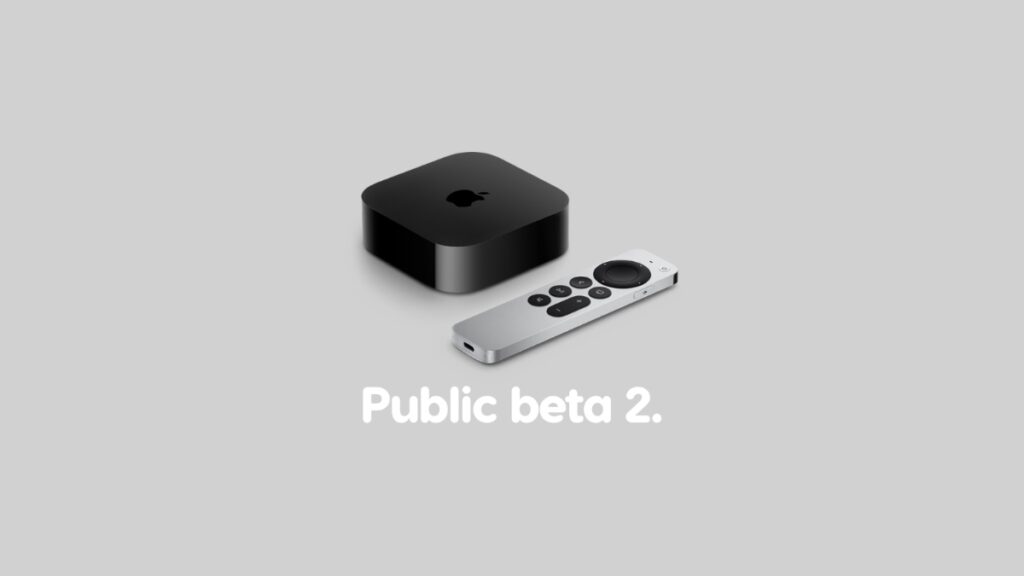

tvOS 27 public beta 2 is now ready for download and install on the Apple TV with small changes and improvements.
You Can Download tvOS 27 Public Beta 2 on Apple TV with Same Changes as Developer Beta 4
Apple released the fourth developer beta of tvOS 27 earlier this week, and it only made sense that the same update would become available for public beta testers very soon.
Fast forward to present day, and public beta 2 of tvOS 27 is now available for download with exactly the same changes as the fourth developer beta.
Just like any other tvOS update, the public beta is available for download over the air. And here’s what you need to do in order to download it:
- Turn on the Apple TV.
- Launch the Settings app.
- Open System.
- Now go to Software Updates > Update Software.
The update may take a while to download and install, and during the whole process you won’t be able to use your Apple TV for anything. However, once everything is complete, you can pretend like nothing ever happened, and start watching your favorite TV show without any issues.
If you’re interesting in installing the tvOS 27 public beta as well, you will find the necessary instructions posted here.