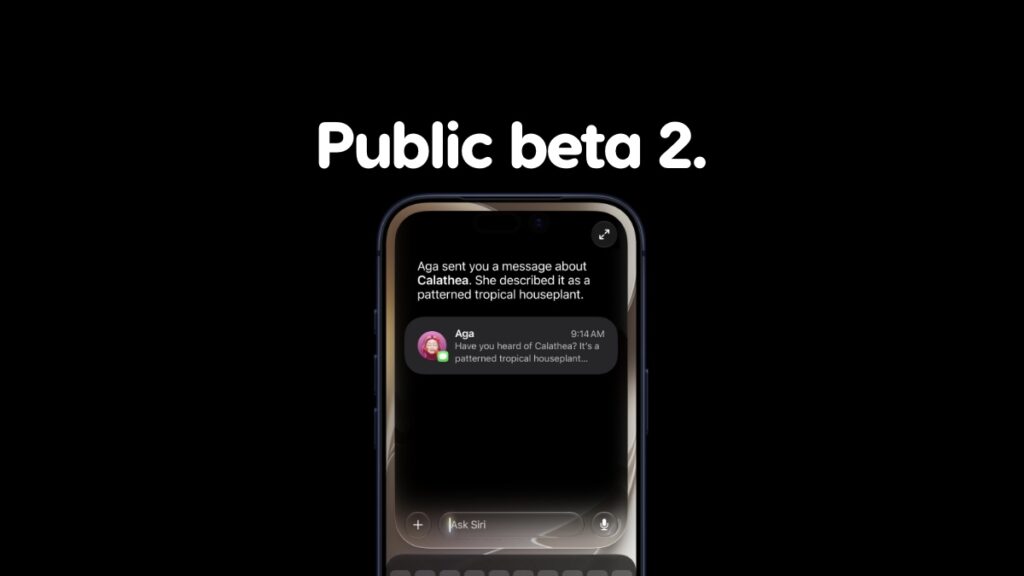

Public beta 2 updates of iOS 27 and iPadOS 27 for iPhone and iPad are now available for download over the air.
iOS 27 and iPadOS 27 Public Beta 2 Now Available for Download with Same Changes as Developer Beta 4
When it comes to features and changes, the new public beta 2 is exactly the same as iOS 27 and iPadOS 27 developer beta 4 which was released yesterday. And since the fourth developer beta is extremely stable, therefore it’s recommended that you go ahead and download the new public beta without worrying about anything at all.
In order to do that, you just have to follow these steps, as long as you have the previous public beta installed:
- Make sure your iPhone or iPad have 50% or more battery remaining.
- Connect to a Wi-Fi network.
- Launch the Settings app.
- Go to General > Software Update.
- Tap on the Update Now button when you see iOS 27 and iPadOS 27 public beta 2.
The update will first download onto your device and will eventually be installed. The whole process may take up to half an hour, which means if you are planning to go out somewhere, it will be a while before you can start using your iPhone or iPad normally.
Anyone can go ahead and download the new public beta of iOS 27 and iPadOS 27. You will find the detailed tutorial on it posted here.
Do keep in mind that iOS 27 and iPadOS 27 is currently in beta which means it’s far from complete. This means you may run into issues especially when it comes to third party app support. If you’re fine with that, then go right ahead and take the update for a spin and see what Apple is working on, which is mostly Apple Intelligence and the new Siri AI.