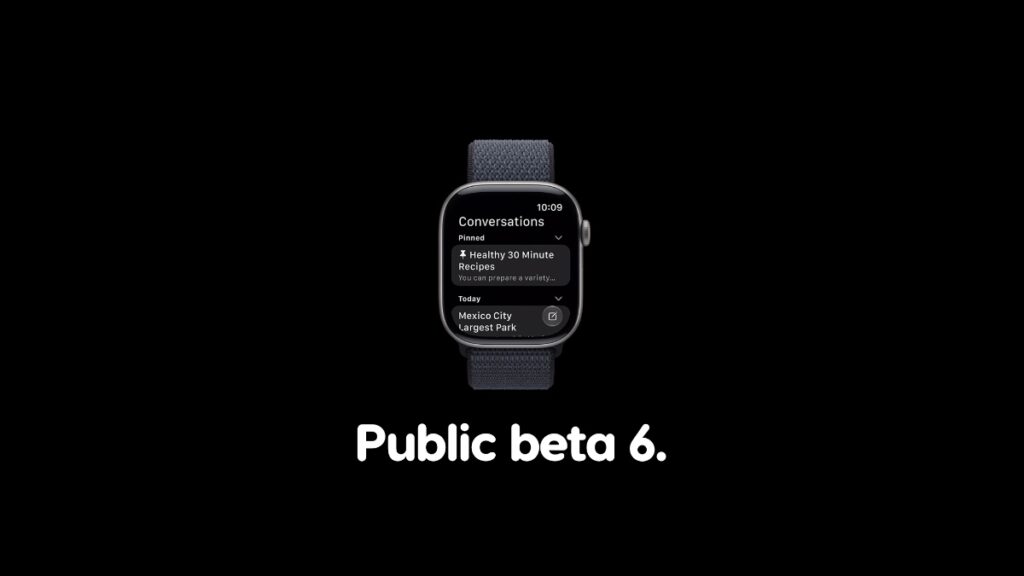

Public beta 6 of the watchOS 27 update is now ready for download for Apple Watch users with same changes as developer beta 8.
You Can Now Download watchOS 27 Public Beta 6 with Same Changes as Developer Beta 8
Apple released the last beta of watchOS 27 a while ago. And right now, those who are testing the public beta can experience the same changes and updates as part of the public beta 6 update.
In order to download and install the latest public beta of watchOS 27, assuming you do have an older version installed, follow these steps:
- Place your Apple Watch on its charger.
- Make sure your iPhone and Apple Watch are connected to the same Wi-Fi network.
- Launch the Watch app on iPhone and then navigate to General > Software Update.
- Tap on the Download and Install button when you see public beta 6.
Looking to test drive watchOS 27 beta? You’ll find the tutorial for downloading the developer beta here, and public beta here.