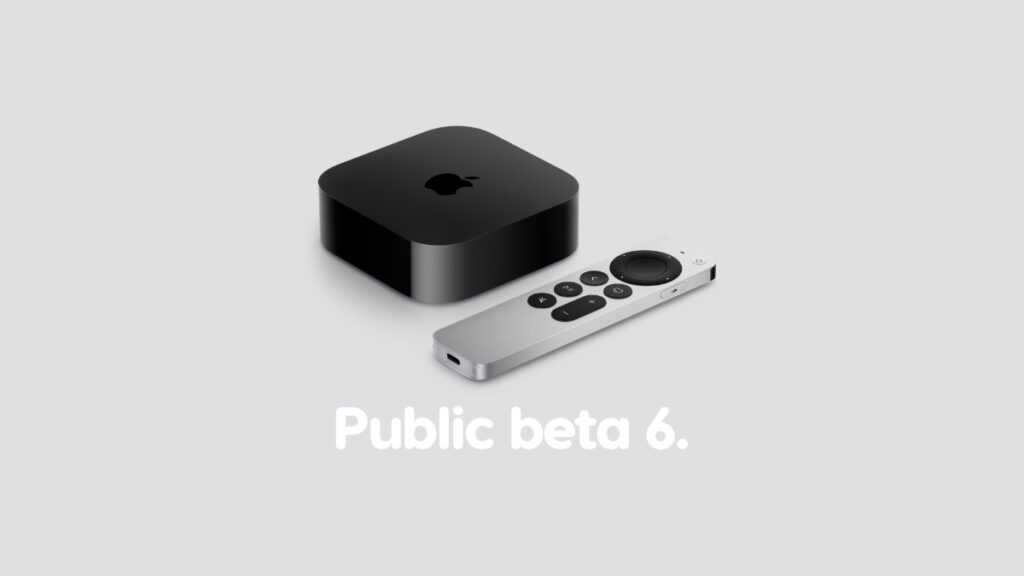

You can now download and install public beta 6 of tvOS 27 on your Apple TV with same stability improvements as developer beta 8.
Public Beta 6 of tvOS 27 Now Available for Download on Apple TV with Stability Improvements from Developer Beta 8
Those who have been testing public beta 5 of tvOS 27 since the past week can download the new public beta 6 by following these steps:
- Launch the Settings app on your Apple TV.
- Go to System > Software Updates > Update Software.
- Select Download and Install when you see the new public beta 6 update.
Public beta 6 includes the same changes as developer beta 8 which was released a while ago.
If you’re interested in taking tvOS 27 beta for a spin, you’ll find the developer beta tutorial here, and public beta here.