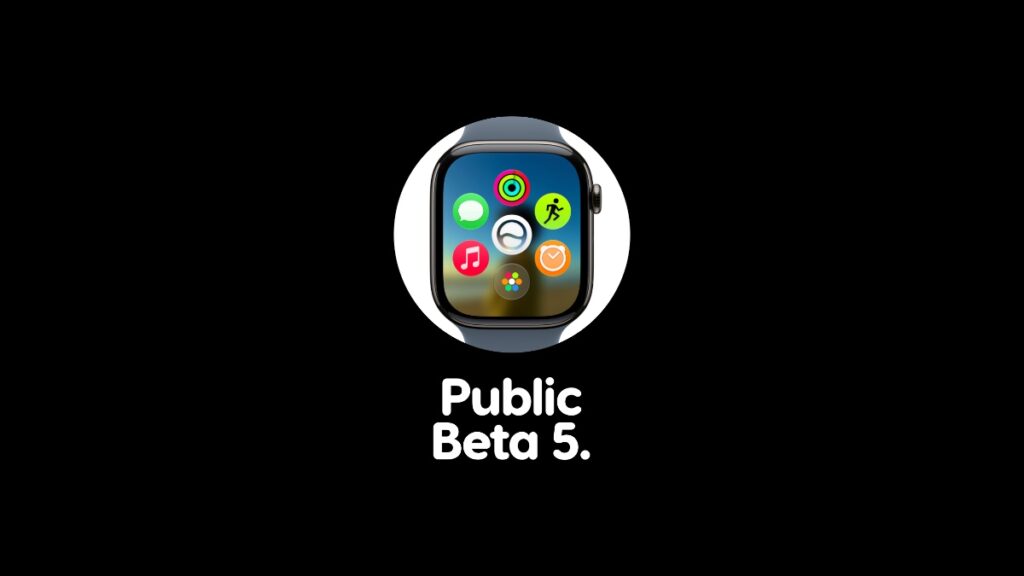

Those testing out the watchOS 27 beta can now download and install public beta 5 on Apple Watch right away.
watchOS 27 Public Beta 5 Now Ready for Download with All Changes and Updates from Developer Beta 7
The new watchOS 27 public beta 5 became available for download right after the watchOS 27 developer beta 7 update. This also means you get all the features and changes from the developer-oriented beta, just a few hours late, which is not a bad deal at all.
If you currently have public beta 4 installed on your Apple Watch, I will highly recommend installing the new public beta immediately:
- Place your Apple Watch on its charger.
- Make sure your iPhone and Apple Watch are connected to the same Wi-Fi network.
- On your iPhone, go to Watch > General > Software Update.
- Tap on Download and Install when you see public beta 5.
Anyone can test out the watchOS 27 developer beta or public beta. You’ll find the tutorial for downloading the developer beta here, and public beta here.

![Siri AI Coming to the Original HomePod mini too [Update: False]](https://www.anotherapple.com/wp-content/uploads/2026/10/siri-ai-on-original-homepod-mini-300x169.jpg)