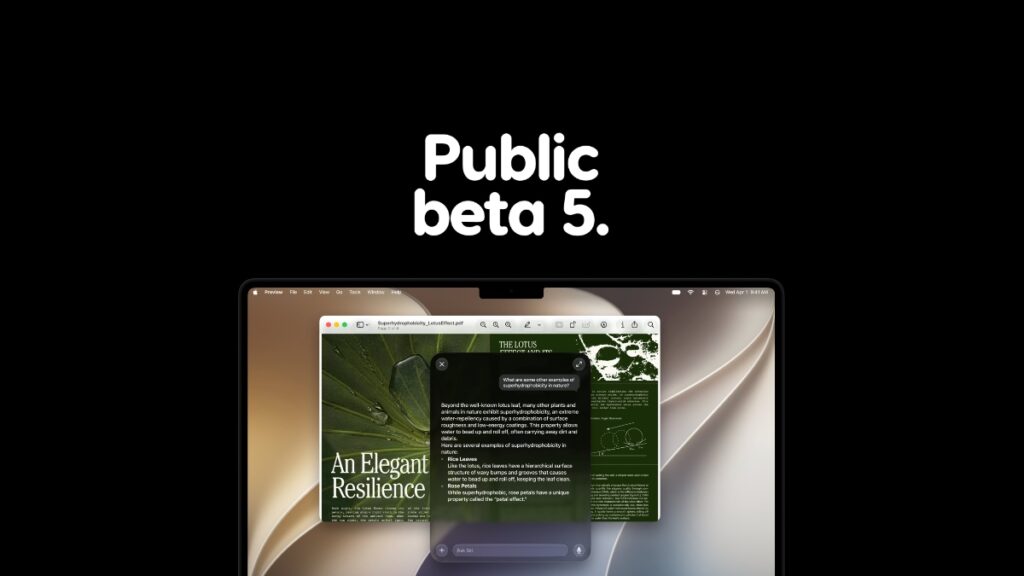

The macOS 27 Golden Gate public beta 5 is now available for download on the Mac, and you can download it immediately.
Apple Releases Public Beta 5 of macOS 27 Golden Gate with Features and Changes from Developer Beta 7
macOS 27 developer beta 7 was released moments ago, and we don’t have to wait a full day to download the public beta. This means if you are currently running macOS 27 public beta 4 on your Mac, you can download the latest update immediately without waiting an extra minute:
- Save all your work and settings.
- Make sure you’re connected to a stable Wi-Fi network.
- Launch the System Settings app, and go to General > Software Update.
- Click on the Update Now when macOS 27 public beta 5 becomes available.
Anyone can go ahead and test out macOS 27 Golden Gate beta. You’ll find the complete tutorial on how to download the developer beta here, and public beta here.