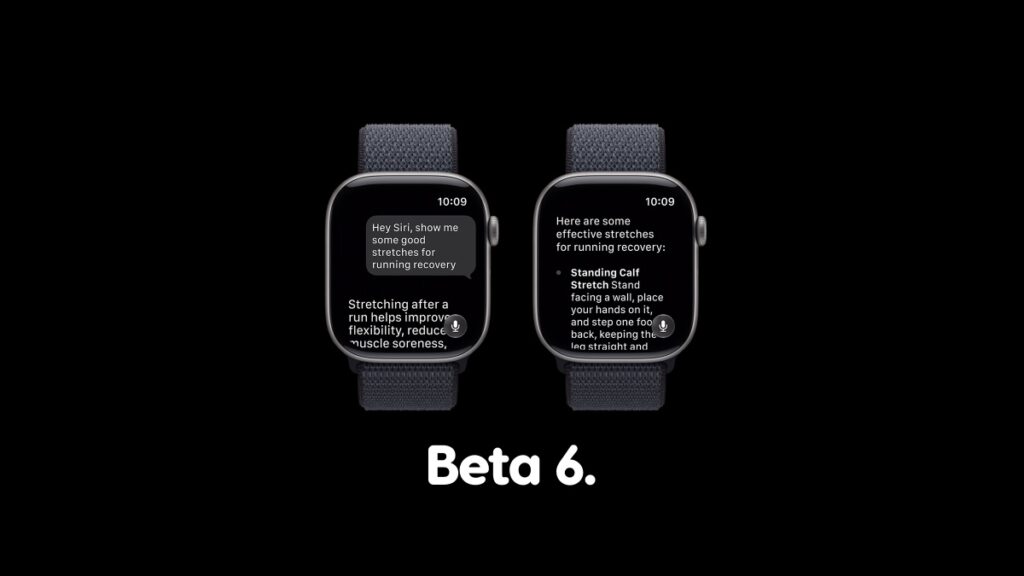

Developer beta 6 of watchOS 27 update is now available for download on compatible Apple Watch models over the air.
Download watchOS 27 Developer Beta 6 Today with Improved Performance and Stability for Apple Watch
It takes a lot of courage to test out a watchOS beta on a primary Apple Watch. If you’ve been doing just that, then you will be pleased to learn that watchOS 27 beta 6 is now available for download.
Given you already have watchOS 27 beta 5 installed on your Apple Watch, you have to follow a couple of steps in order to download beta 6. Those steps are as follows:
- Place your Apple Watch on its charger.
- Make sure your iPhone and Apple Watch are connected to the same Wi-Fi network.
- Launch the Watch app on your iPhone.
- Tap on General, and then open Software Update.
- After a few seconds, you’ll see the watchOS 27 developer beta. Tap on the Download and Install button underneath it.
The new watchOS 27 beta will take a while to install, and I can’t sugarcoat this fact at all. That’s why I usually recommend installing new watchOS updates overnight so that your Apple Watch is ready for use next morning.
If there’s anything new and noteworthy in this update, I will highlight it in a proper list post.
Looking to take watchOS 27 beta for a spin? You’ll find the tutorial for the developer beta posted here, and public beta here. Head straight to the public beta tutorial, because it’s easy to follow and you’ll be downloading the watchOS 27 beta in no time.

![Siri AI Coming to the Original HomePod mini too [Update: False]](https://www.anotherapple.com/wp-content/uploads/2026/10/siri-ai-on-original-homepod-mini-300x169.jpg)