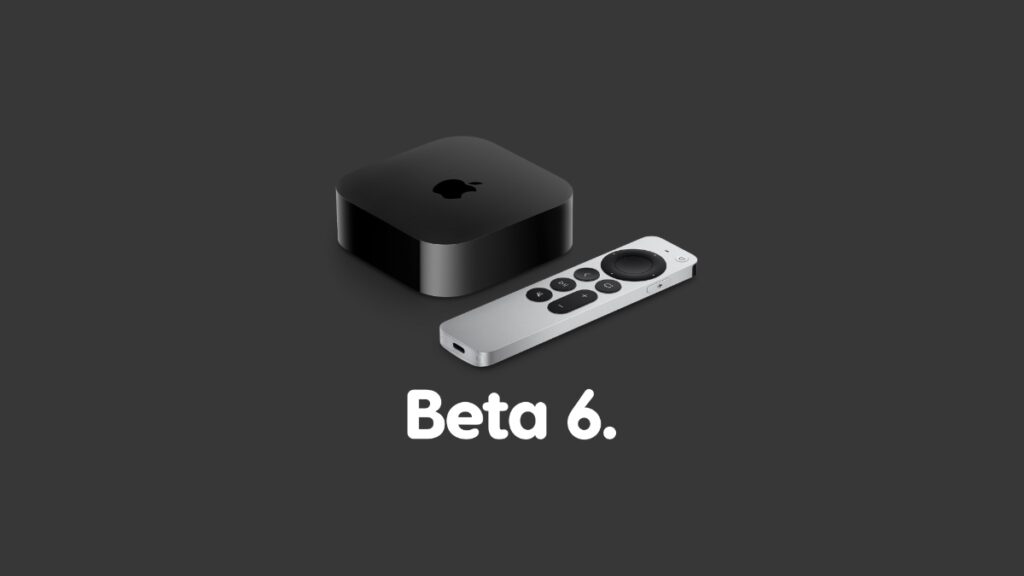

Apple has released tvOS 27 developer beta 6 and it is now ready for download over the air on your compatible Apple TV.
You Can Now Download tvOS 27 Developer Beta 6 with Further Under-the-Hood Improvements
Those have been testing out tvOS 27 developer beta 5 can go right ahead and download beta 6 immediately. Do keep in mind that this update is available for registered developers only, and not public beta testers yet.
In order to download the new tvOS 27 beta 6 on your Apple TV, all you have to do is follow these steps:
- Turn on your Apple TV.
- Launch the Settings app.
- Navigate to System > Software Updates > Update Software.
- After a few seconds you’ll see the new beta 6 update. Select Download and Install and you’re good to go.
tvOS 27 beta updates haven’t offered features that truly stand out. But if there’s something that does grab my attention, I will highlight it for everyone.
Looking to test out tvOS 27 developer beta? Check out the tutorial posted here. Interested in the public beta instead? You’ll find the tutorial posted here.