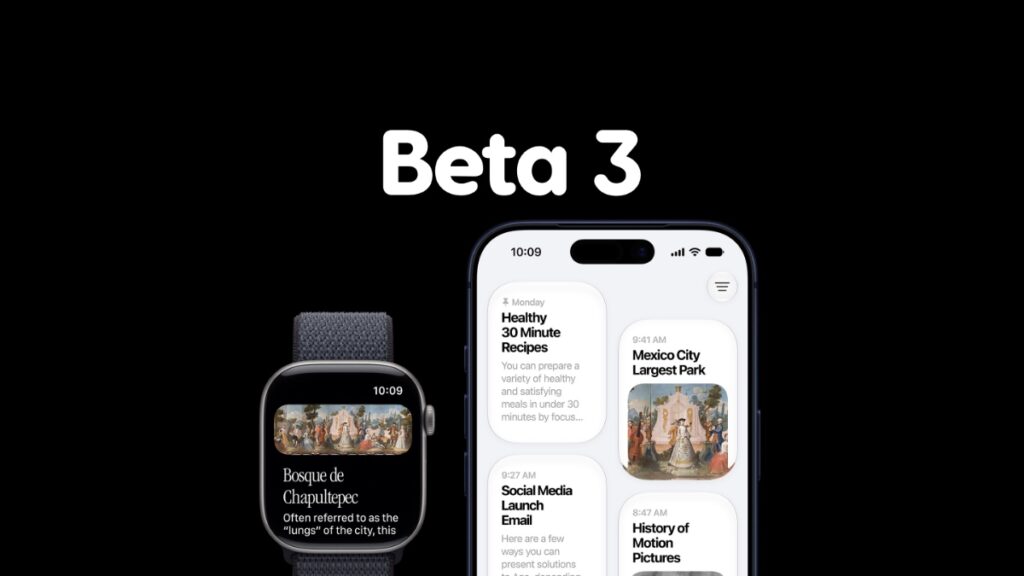

As the headline says, you can now download and install watchOS 27 developer beta 3 on your Apple Watch with bug fixes and other improvements.
Apple Releases Developer Beta 3 of watchOS 27 for Apple Watch, Download it Today
Whether you are testing out watchOS 27 beta, or accidentally updated to it, the good news is that a new beta is out, bringing you one step closer to the final release.
Just like other software from Apple under the version 27 umbrella, watchOS is very, very stable, and can easily pass itself as a daily driver. What this means is, you should be less worried about downgrading your device back to watchOS 26.
Assuming you have been running beta 2 for a while, it’s time to upgrade to beta 3, and here are the steps you should follow in order to do that:
- Place your Apple Watch on its magnetic charger.
- Make sure your iPhone and Apple Watch both have 50% or more battery remaining.
- Make sure your iPhone and Apple Watch are both connected to the same Wi-Fi network.
- On your iPhone, launch the Watch app from the Home Screen.
- Now go to General > Software Update.
- When you see the new watchOS 27 beta 3 update, tap on the Download and Install button.
watchOS 27 beta 3 has the following build number: 24R5315i
A lot of Apple Watch devices lost support this year, which means there is a high chance your device may not support the watchOS 27 update at all. If you’re interested in learning more, and maybe even download the new watchOS 27 beta, check out the tutorial posted here.

![Siri AI Coming to the Original HomePod mini too [Update: False]](https://www.anotherapple.com/wp-content/uploads/2026/10/siri-ai-on-original-homepod-mini-300x169.jpg)