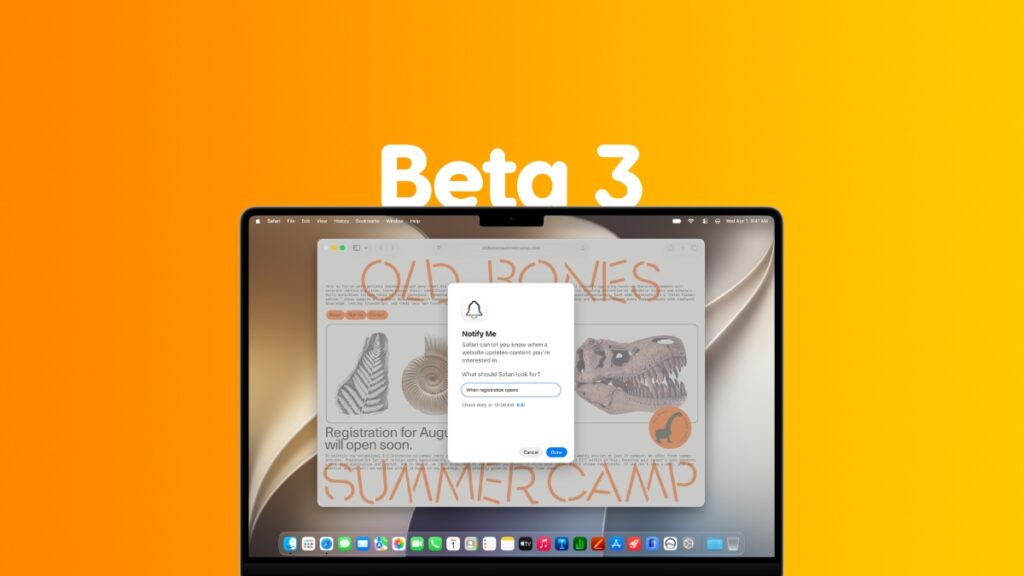

macOS 27 Golden Gate beta 3 is now ready for download on the Mac with even more bug fixes and other improvements.
Download and Install macOS 27 Golden Gate Beta 3 Today with Loads of Bug Fixes and Other Improvements
Beta 2 of macOS 27 is nothing short of spectacular. The stability and performance improvements are unlike we’ve ever seen even in publicly available software updates.
Now that beta 3 of macOS 27 is available for download, it will be cool to see how much faster the Mac has gotten today.
Assuming you are already running the latest beta of macOS 27 Golden Gate, follow these steps in order to download and install beta 3:
- Make sure you have 50% or more battery remaining.
- Make sure you’re connected to Wi-Fi.
- Save all your work.
- Launch the System Settings app.
- Now go to General > Software Update.
- When you see the latest macOS 27 update, click on Update Now.
macOS 27 Golden Gate beta 3 has the following build number: 26A5378j
If you want to try out macOS 27 Golden Gate on your Mac right now, you can check out the tutorial posted here. As long as you have an Apple silicon-powered Mac, running macOS 27 won’t be a problem.
As I mentioned before, macOS 27 beta 2 has been exceptional in terms of performance, and it wouldn’t be surprising if beta 3 adds even more polish to the Mac. But, that being said, there is a chance Apple might have added or removed a feature from macOS 27 as well.
If there’s anything noteworthy in this update, I will definitely highlight it separately. This is completely normal in early betas as well. Apple will keep on refining its operating system for at least three to four more betas before it starts to wrap things up ahead of final release.

![Siri AI Coming to the Original HomePod mini too [Update: False]](https://www.anotherapple.com/wp-content/uploads/2026/10/siri-ai-on-original-homepod-mini-300x169.jpg)