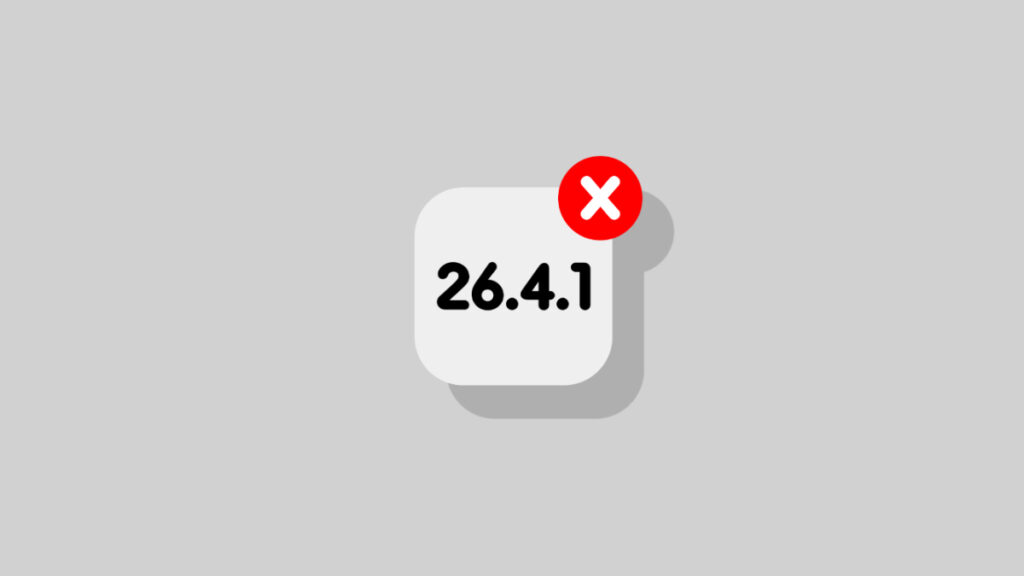

Just a while ago, Apple has stopped signing iOS 26.4.1 and iPadOS 26.4.1 software updates for iPhone and iPad devices.
You Cannot Downgrade Your iPhone or iPad Back to iOS 26.4.1 or iPadOS 26.4.1 as Apple Stops Signing Older Firmware
What this means is simple: you cannot downgrade or re-restore your device back to iOS 26.4.1 or iPadOS 26.4.1 once you’ve upgraded to the latest 26.4.2 update.
Given iOS 26.4.2 and iPadOS 26.4.2 are primarily bug fixes and security updates, you really don’t have to stick around with older firmware anyway.
In order to update immediately, all you have to do is go to Settings > General > Software Update on your device and tap on the Update Now button. If you have 50% battery or more, and are connected to a Wi-Fi network, the update will install immediately.
If you care about your device’s stability and security above all else, then staying up to date is extremely crucial, that too on time.