


You can finally use emoji to react to a message in Messages app in iOS 18 and iPadOS 18 on iPhone and iPad.
You can finally use emoji to react to a message in Messages app in iOS 18 and iPadOS 18 on iPhone and iPad.
iOS 18 and iPadOS 18 lets you lock apps using Face ID on both iPhone and iPad. Here’s how you can set it up.
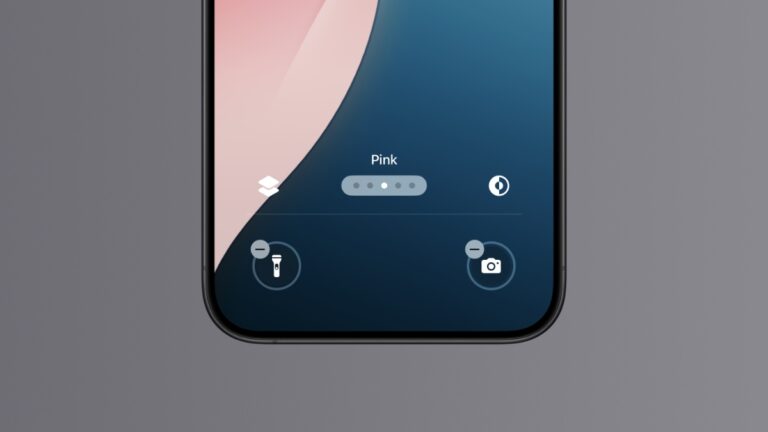
You can replace or remove the flashlight and camera shortcut with something else on the iOS 18 Lock Screen for iPhone. Here’s how you do it.
Just installed macOS Sequoia and want to use iPhone Mirroring? Let me show you how you can set it up right now.
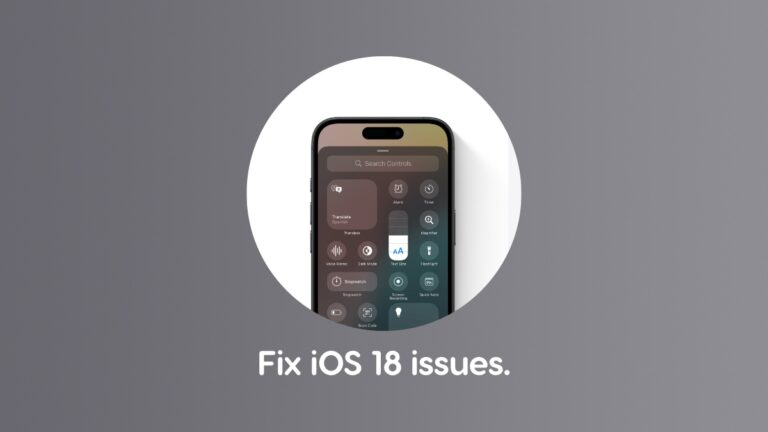
If you are experiencing Wi-Fi, Bluetooth or cellular issues after installing iOS 18 and iPadOS 18, try the following fixes.
You can downgrade tvOS 18 final to tvOS 17 on your Apple TV with USB-C. But, for a limited time only.
Yes, you can clean install tvOS 18 final if you own an Apple TV 4K with USB-C at the back. Let me show you how.
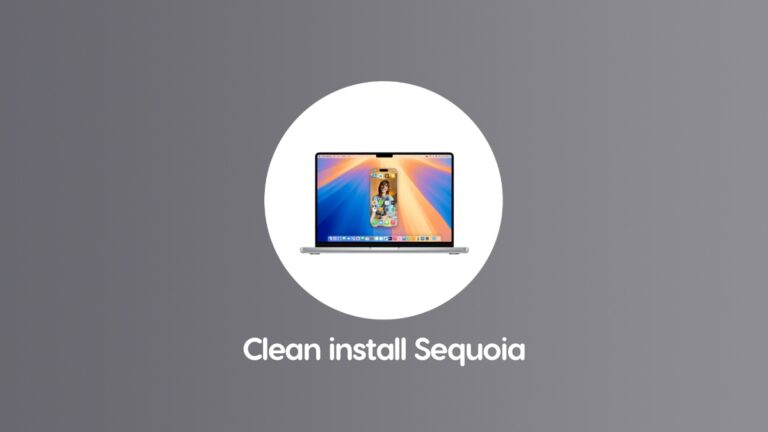
Here’s how you can do a clean install of macOS Sequoia 15.0 final update on your MacBook Air, MacBook Pro, iMac, Mac mini, Mac Studio.
For a limited time only, you can downgrade iOS 18 and iPadOS 18 final updates to iOS 17 and iPadOS 17 on iPhone and iPad.
Here’s a detailed tutorial on how to clean install iOS 18 and iPadOS 18 final update on your iPhone and iPad devices.