


You can download and install the iOS 18 and iPadOS 18 final software update on your iPhone and iPad right away. Let me show you how.
You can download and install the iOS 18 and iPadOS 18 final software update on your iPhone and iPad right away. Let me show you how.
iOS 18 and iPadOS 18 final version is set for release on Monday. Before that happens, make sure your iPhone and iPad is prepared and ready.
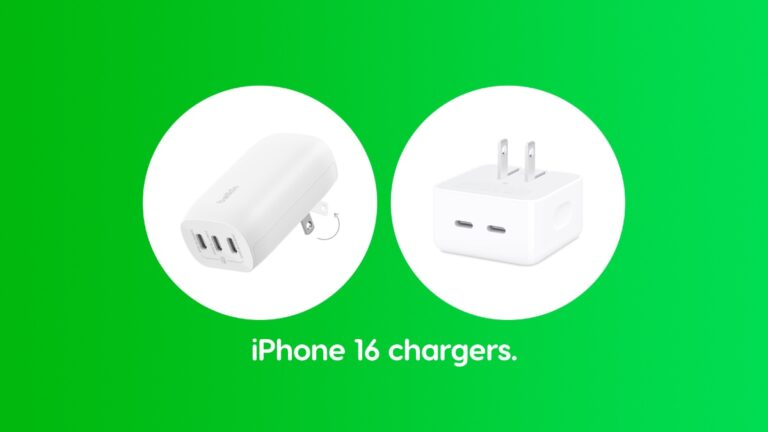
Looking for a USB-C charger for your iPhone 16, iPhone 16 Plus, iPhone 16 Pro or iPhone 16 Pro Max? Here are some of the best ones.
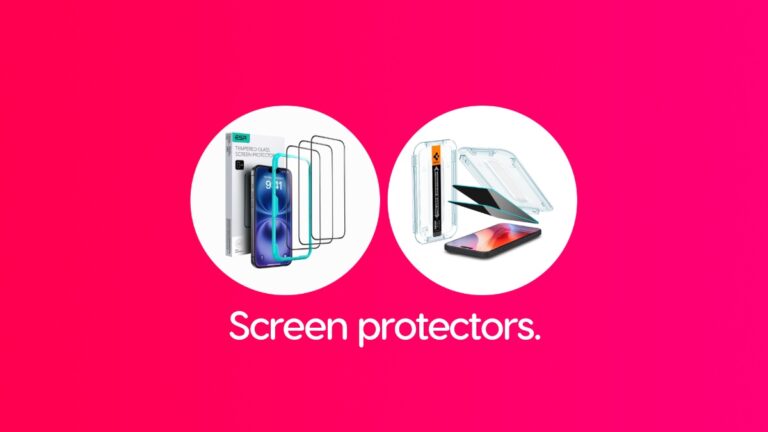
Looking for screen protectors for your iPhone 16 and iPhone 16 Plus? I have a list of some of the best ones available to buy today.
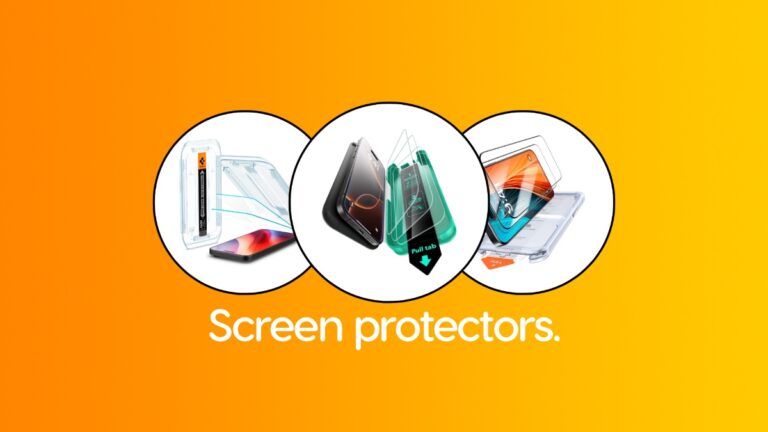
You can already buy screen protectors for the 6.3-inch iPhone 16 Pro and the 6.9-inch iPhone 16 Pro Max. Here are the best ones.
You do have the option to download tvOS 18 on your Apple TV ahead of next week’s official release by simply installing the RC build.
You really don’t have to wait until next week to download and install watchOS 11. Just download the RC build right now on Apple Watch.
Apple is really not holding it back and you can download and install macOS Sequoia 15.0 RC on any Mac right now.
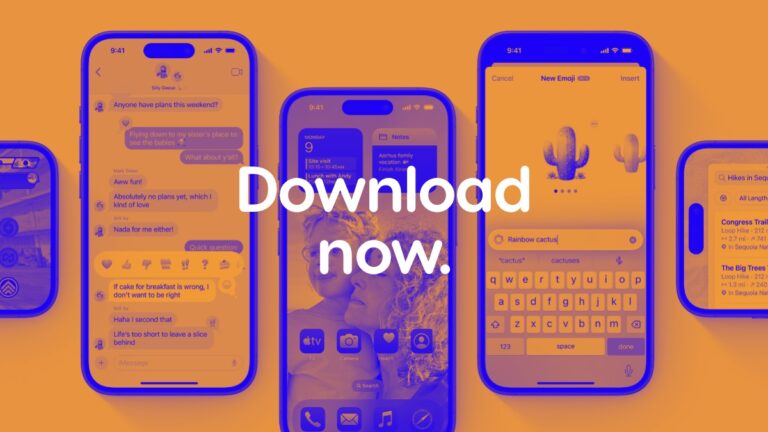
Literally anyone can download and install the new iOS 18 RC or iPadOS 18 RC on iPhone and iPad right now. Here’s how you do it.
Don’t want to test out new tvOS 18 beta updates on your Apple TV? Here’s what you need to do to stop receiving them.