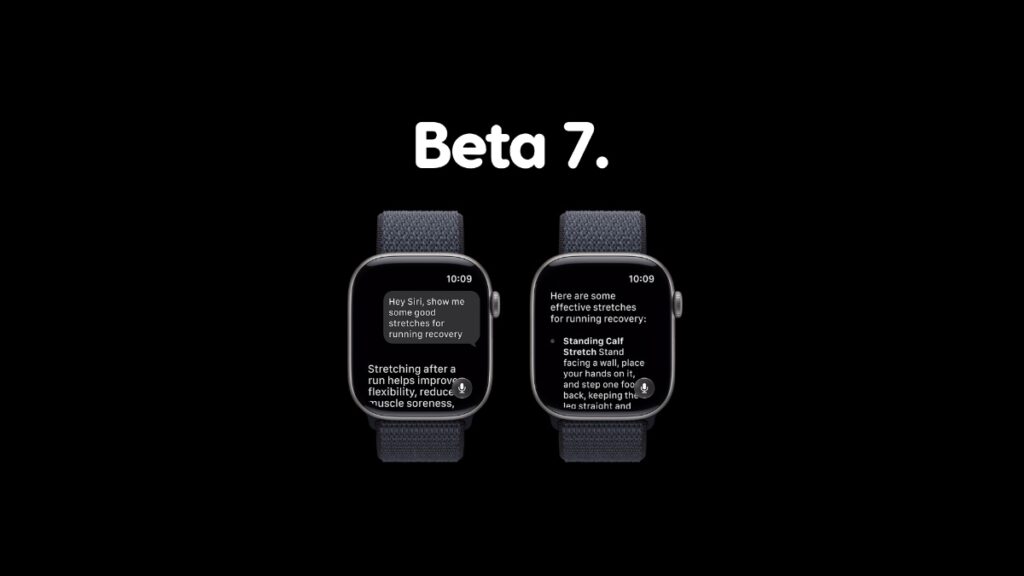

watchOS 27 developer beta 7 update for Apple Watch is now available for download with more improvements to overall stability.
Apple Releases Developer Beta 7 of watchOS 27 for Apple Watch with More Stability and Siri AI Improvements
The final version of watchOS 27 is almost here, and if previous releases are anything to go by, we can expect its official arrival in the middle of September.
Before we end the beta journey, there are still some updates we have to install. If you are currently testing watchOS 27 developer beta 6, then go right ahead and download beta 7 immediately.
The new update ensures stability improvements, and general improvements to all your Siri AI workflows. So, follow these steps in order to download developer beta 7 immediately:
- Place your Apple Watch on its charger and ensure its charged more than 50%.
- Make sure your Apple Watch and iPhone are connected to the same Wi-Fi network.
- Launch the Watch app on your iPhone.
- Go to General, then Software Update.
- Tap on the Download and Install button when you see developer beta 7.
Testing watchOS 27 public beta 4? Don’t worry, the same developer beta build will become available to you in a short while. Use the same steps as above once the update is released over the air.
Want to test out watchOS 27 beta? Do keep in mind that you cannot downgrade back to watchOS 26 once you upgrade. If you understand that fully, you’ll find the tutorial on how to install the developer beta here, and public beta here.

![Siri AI Coming to the Original HomePod mini too [Update: False]](https://www.anotherapple.com/wp-content/uploads/2026/10/siri-ai-on-original-homepod-mini-300x169.jpg)