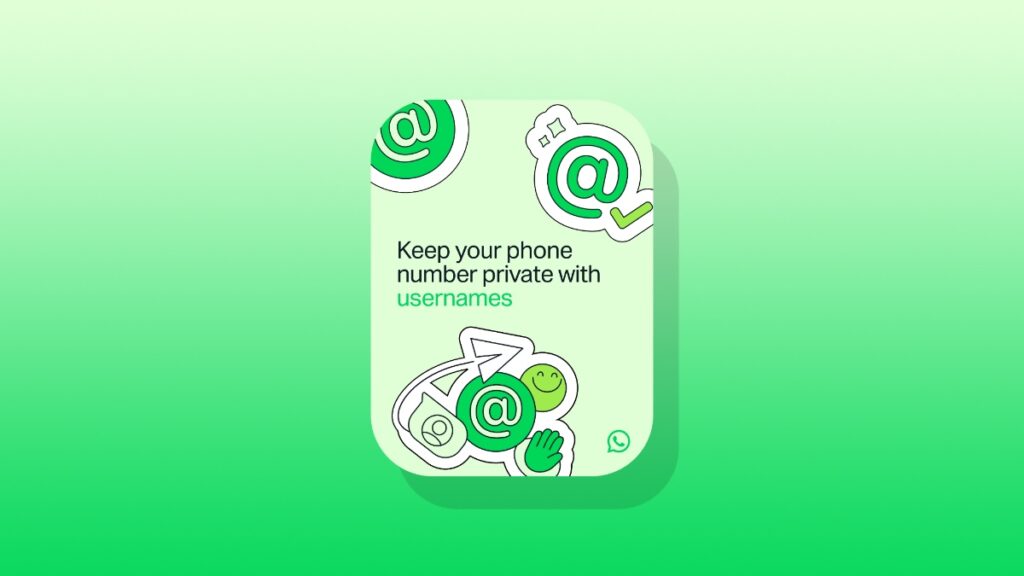

You can now reserve your username on WhatsApp for iPhone, allowing you to keep your phone number private when starting new conversations.
Usernames Are Coming to WhatsApp, Reserve Yours Now Using the App on iPhone Right Away
It’s been in the news for a long time that WhatsApp would introduce usernames for its users. Once you’ve set up a username, you can start a new conversation with someone or a business, all without revealing your phone number.
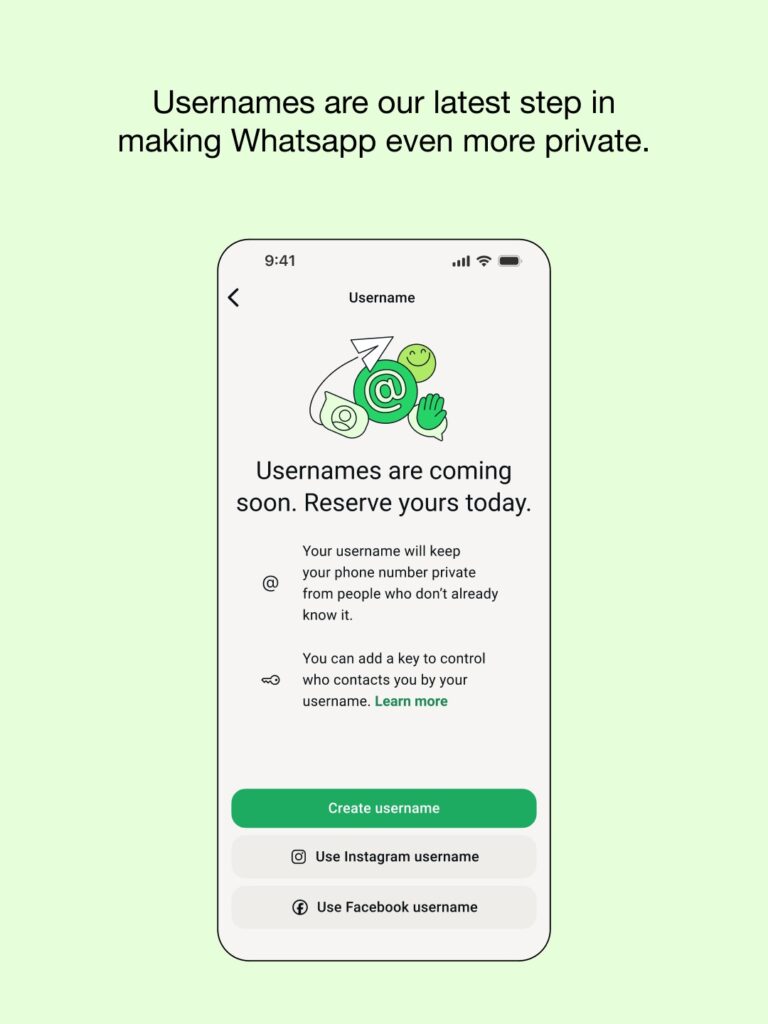
WhatsApp says that usernames will begin rolling out later this year, and you can reserve yours today straight from the app on iPhone. Here’s what you have to do:
Step 1. Launch the WhatsApp app on your iPhone. Make sure your app is properly updated so that you see the username option in Settings.
Step 2. Now tap on your name at the bottom right corner which will take you to Settings.
Step 3. Tap on Account.
Step 4. Now select Username and follow the on-screen prompts to reserve your username.
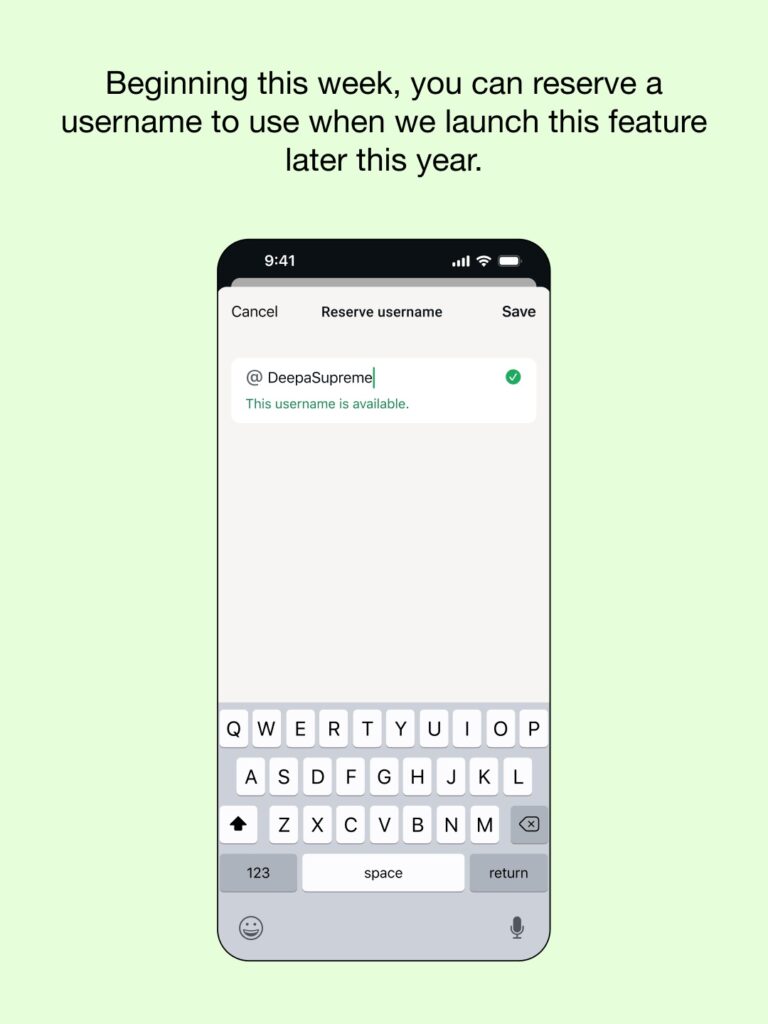
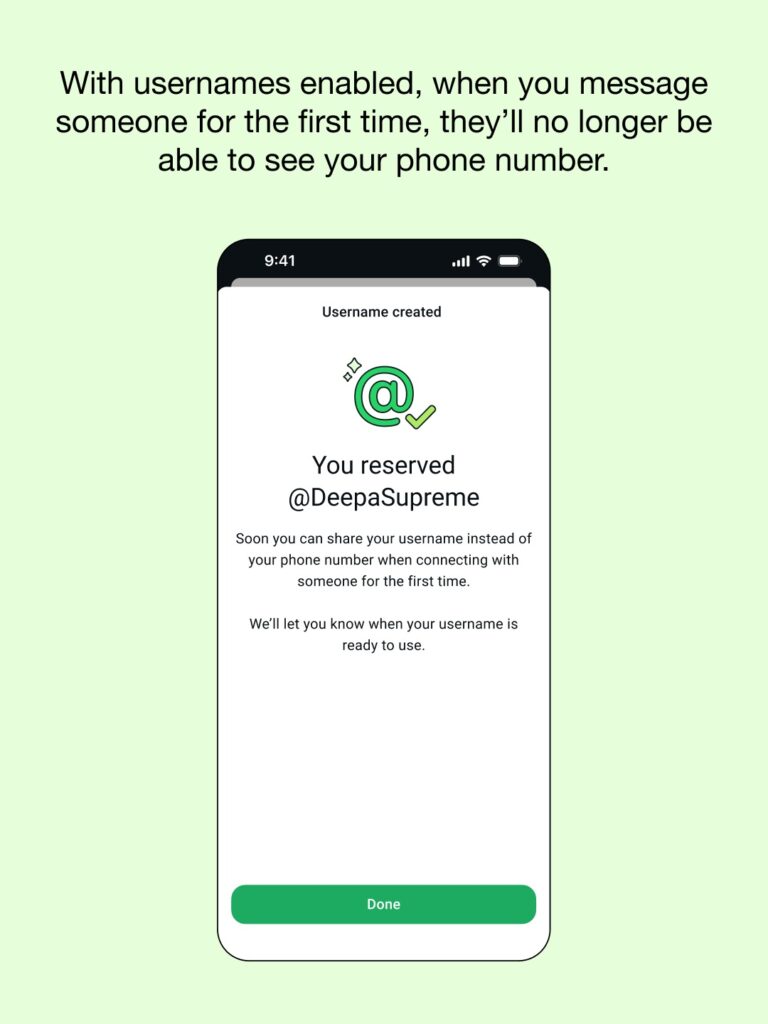
Tap on Done when the process is complete. I will highly recommend doing this as soon as possible so that you get the exact username you want.
Do keep one thing in mind: WhatsApp says you will be able to use your unique username later this year, not immediately. Today it’s only allowing you to reserve your username, nothing else.

![Siri AI Coming to the Original HomePod mini too [Update: False]](https://www.anotherapple.com/wp-content/uploads/2026/10/siri-ai-on-original-homepod-mini-300x169.jpg)