
You can now download the new watchOS 26.4 update for Apple Watch today, and it includes a couple of new features as well.
watchOS 26.4 for Apple Watch Now Available for Download Over the Air with New Emoji and Workout Updates
Apple always navigates carefully in watchOS waters. Today, with watchOS 26.4, Apple has fixed a bunch of bugs, pushed a handful of security fixes, and added a couple of new features for users as well.
According to Apple, here’s everything that is new in the watchOS 26.4 update:
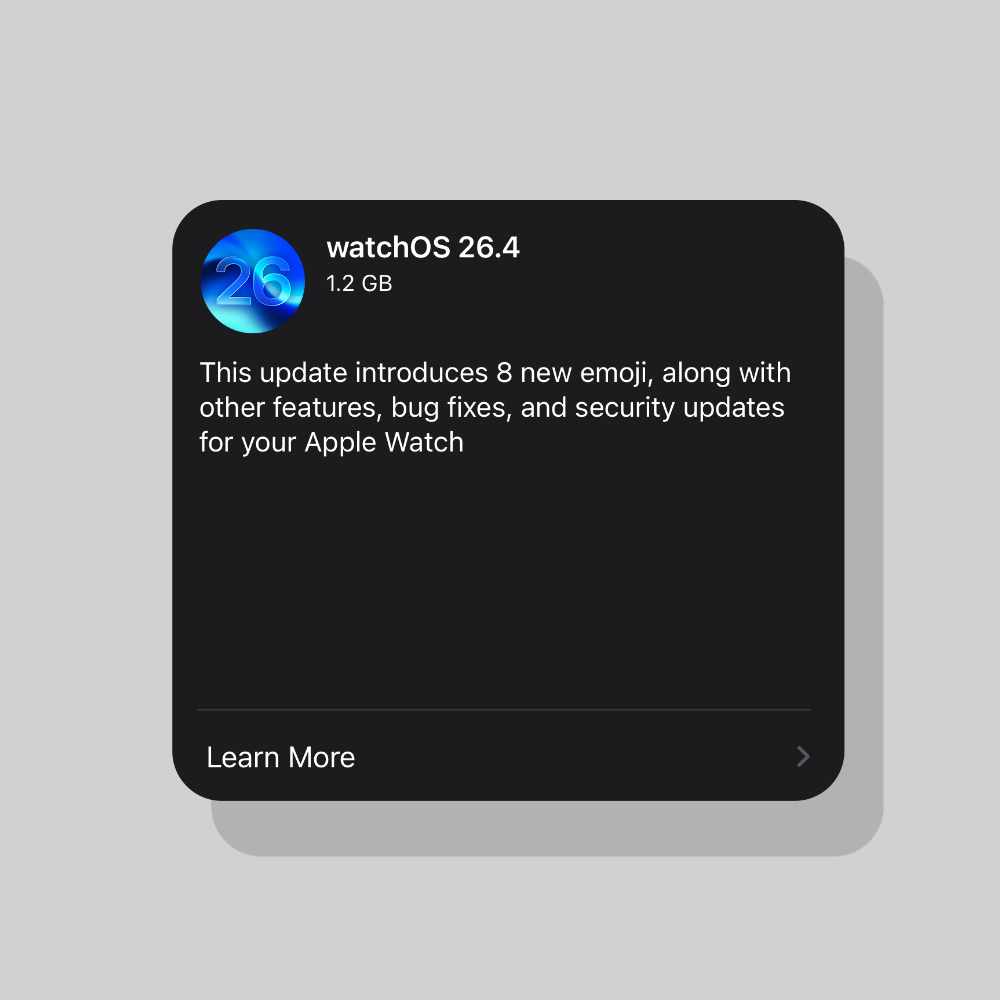
This update also includes the following enhancements:
- Workout type icon in the Workout app lets you start a workout with a single tap
- 8 new emoji including an orca, trombone, landslide, ballet dancer, and distorted face are available in the emoji keyboard
For information on the security content of Apple software updates, please visit this website: https://support.apple.com/100100
Download watchOS 26.4 Over the Air
Should you download and install the update right away? Well, if you want the new emoji on your wrist, then sure. And here’s how you do it:
- Make sure your iPhone and Apple Watch are connected to Wi-Fi.
- Check and see if your Apple Watch has 50% or more battery life remaining.
- Launch the Watch app on your iPhone.
- Go to General > Software Update.
- When you see the watchOS 26.4 update, tap on Download and Install.
According to Apple, the new software update has the following build number: 23T240
The update will take a while to install, which is normal when it comes to Apple Watch updates. And for this reason alone, I will suggest installing the update overnight, so that you wake up to a fresh installation of watchOS 26.4 the next day.
If you already have watchOS 26.4 RC installed on your Apple Watch, then you don’t have to do anything today at all.

![Siri AI Coming to the Original HomePod mini too [Update: False]](https://www.anotherapple.com/wp-content/uploads/2026/10/siri-ai-on-original-homepod-mini-300x169.jpg)