

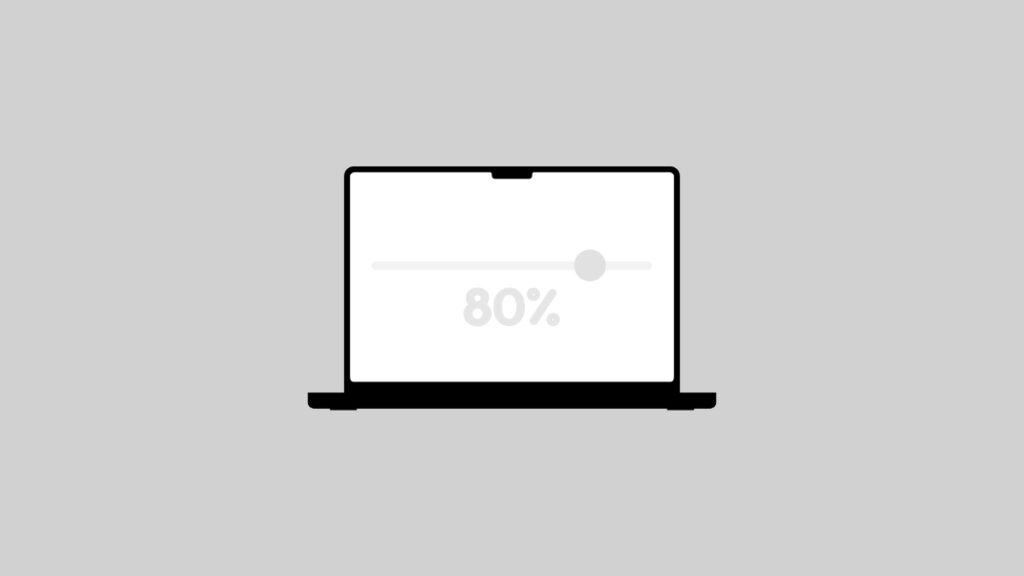

With macOS 26.4 Tahoe, you will be able to set a 80% charge limit to your MacBook Air or MacBook Pro, just as you can on iPhone and iPad.
macOS 26.4 Tahoe Brings 80% Charge Limit Feature to the Mac to Protect Battery Health in the Long Run
Your MacBook Air and MacBook Pro does not allow you to set a charge limit like your iPhone and iPad. You can use a third-party app like AlDente for it, but nothing beats the convenience of an official solution that is absolutely free.
With macOS 26.4 Tahoe, Apple is bringing the Set Charge Limit feature to the MacBook Air and MacBook Pro as well. You will find the feature in the Battery section in System Settings.
Just like the iPhone and iPad, you can set the charge limit to as little as 80% all the way to 100% with increments of 5% available between them. But occasionally, like on iPhone and iPad, your Mac will charge all the way to 100% in order to calibrate the battery.
Do keep one thing in mind: setting a charge limit is pointless if your overall charging habits aren’t that great. For example, there’s no point in setting the 80% limit if you constantly drain your battery all the way to 0% – lithium batteries don’t like that at all.
The one thing that ruins battery health the most is heat. If you’re using a fast charger under the sun with a charge limit set, you’re going to damage the battery a lot.
The charge limit feature is perfect for times when you want to leave your MacBook Air or MacBook Pro connected to a monitor for hours, ensuring the battery doesn’t stay at 100% during that time.
Apple says macOS 26.4 Tahoe will be available to download this spring on every compatible Mac. But I wonder if the charge limit feature will be available on every single MacBook Air and MacBook Pro.




