

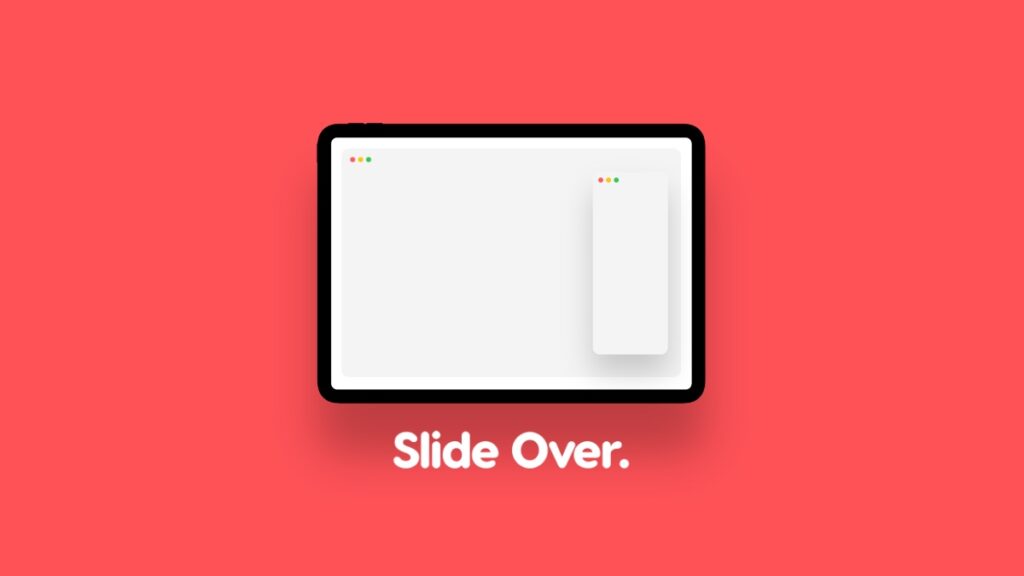

Slide Over multitasking is back on iPad with iPadOS 26.1, and here’s how you can use it and become a master in a few seconds.
Slide Over Multitasking is Back on iPad with iPadOS 26.1 with the Ability to Resize Windows Any Way You Like
Apple took away Slide Over multitasking with the introduction of iPadOS 26, because the new windowing system is obviously better since you can place apps however you like.
But, if there’s one app you always want on tap, Slide Over made it happen, and it’s convenient too since you could just hide the app away from the screen and bring it in with a single swipe.
With iPadOS 26.1, Apple is bringing back Slide Over, and surprisingly, the new implementation is better since it gives you a little more flexibility.
First, let me show you how to enable and disable Slide Over, and then I will tell you how it’s better than the one from iPadOS 18.
Step 1. Launch any app at all. Just for the sake of trying it out, launch Safari.
Step 2. Now swipe up from the bottom to view the Home Screen, and open the app which you want to have as a Slide Over window. In my case, I’m using Reminders.
Step 3. Tap on the traffic light buttons on the top left of the app window which you want as Slide Over.
Step 4. Press and hold the green button, and then tap on Enter Slide Over. The window will immediately resize and go to the right side of the screen.
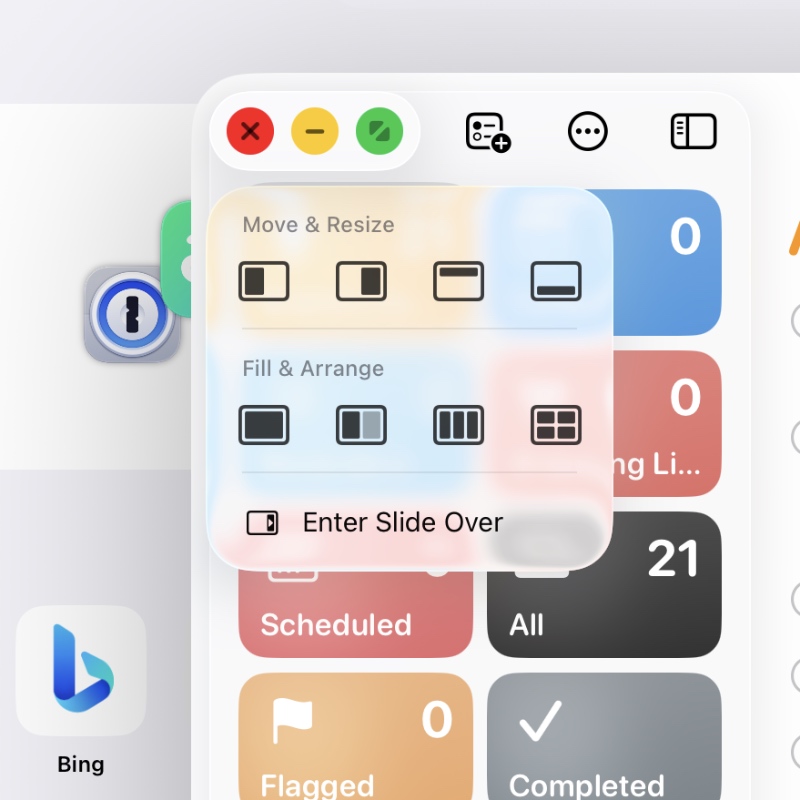
Step 5. In order to exit Slide Over, tap on the traffic light buttons again, press and hold the green button, and then tap on Exit Slide Over.
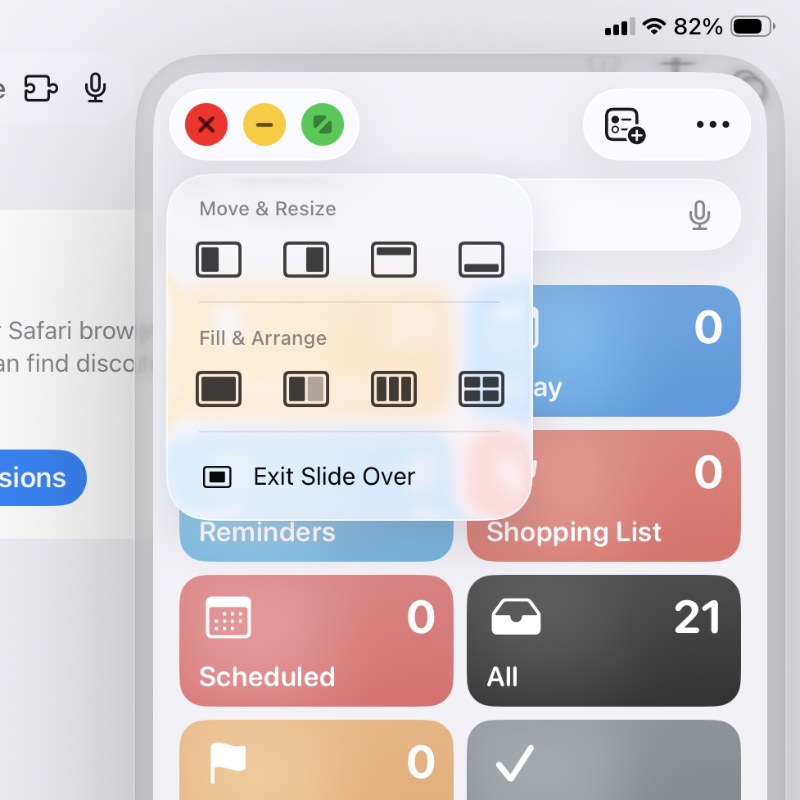
Sliding the way to the far right or far left of the display will take it away from view, but you’ll see a little arrow telling you where the window is. Just swipe in the direction where the arrow is pointing, and the window will be back into view.
The one thing that immediately makes the iPadOS 26.1 Slide Over better is how you can resize the floating app, something that wasn’t possible in iPadOS 18. Though this might not sound like much, it’s a huge deal if you just want an app to take up a small portion of the display, not a fourth of it.




