


Apple has released the final version of iOS 26 and iPadOS 26 updates for iPhone and iPad, and they’re available to download now.
iOS 26 and iPadOS 26 with Liquid Glass, New Windowing System on iPad, Now Available for Download
From its announcement back in June all the way to the ninth beta, iOS 26 and iPadOS 26 are available to download for everyone. This means anyone with a compatible device can download the update immediately – no more waiting, no more signing up for betas.
What’s New in iOS 26 and iPadOS 26?
Right off the bat, you’ll notice the new Liquid Glass user interface of iOS 26 and iPadOS 26. You’ll see it throughout the system, and it’s something you’ll truly appreciate the moment you start using it.
You can check out the iOS 26 release notes here, and iPadOS 26 release notes here. There are a ton of new things Apple is shipping with the new updates, and each of them is worth checking out.
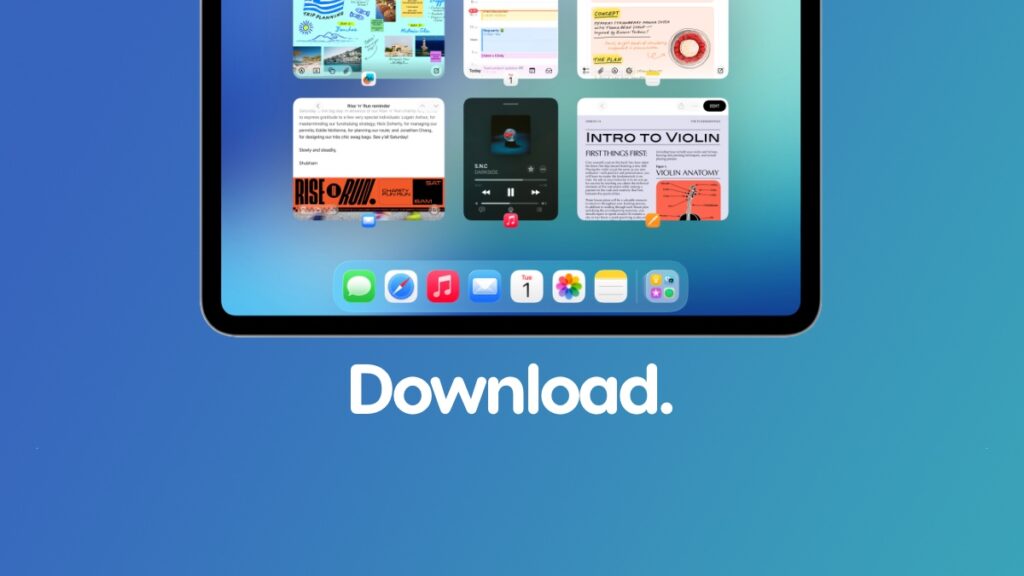
But rest assured, you’re in for a treat, especially on the iPad, where Apple’s tablet is getting the new windowing system, bringing true multitasking to all iPad models not just a select few.
According to Apple, the new iOS 26 and iPadOS 26 updates have the following build number: 23A341
Check if Your Device is Compatible
iOS 26 and iPadOS 26 does drop support for some iPhone and iPad models. You can check out the entire list by going to this link.
If your device isn’t in the list, there’s nothing you can do to update to iOS 26 or iPadOS 26. You have to buy a new Apple device in order to experience the new software.
It doesn’t necessarily have to be one of the latest devices either. An iPhone or iPad that’s three or four years old will work just fine with the new update.
Download iOS 26 and iPadOS 26 Over the Air
This is the best way to download the new software update. All you have to do is launch the Settings app, go to General, open Software Update, and then tap on Update Now.
The update will start downloading immediately, and it will take a few minutes before it starts to install.
I’ve covered the entire process in detail here.
Clean Install iOS 26 and iPadOS 26 Updates
Clean installing iOS 26 and iPadOS 26 is highly recommended since it will give you that brand-new device feel. But it’s not for everyone, since it requires you to take a backup of everything; otherwise, you’ll lose your data without any chance of recovering it.
If you’re up for clean installing iOS 26 or iPadOS 26, you’ll find all the details posted here. This tutorial is iOS 26 and iPadOS 26 specific, and requires you to download the iOS 26 and iPadOS 26 IPSW files as well.
I do have a general tutorial on how to quickly clean install an iOS or iPadOS update using Finder. You will find it here.
Downgrade Back to iOS 18 or iPadOS 18?
Yes, you can downgrade, if you like. But, only if Apple is signing the iOS 18.6.2 and iPadOS 18.6.2 firmware updates.
You’ll find all the details posted here. But remember, it’s not worth going back, since the process of downgrading itself is very risky.
Download the IPSW Files
Whether you’re planning to clean install the update for yourself or want to give the IPSW to someone so they can do the same thing, you will find all the iOS 26 and iPadOS 26 IPSW firmware files posted here.




