

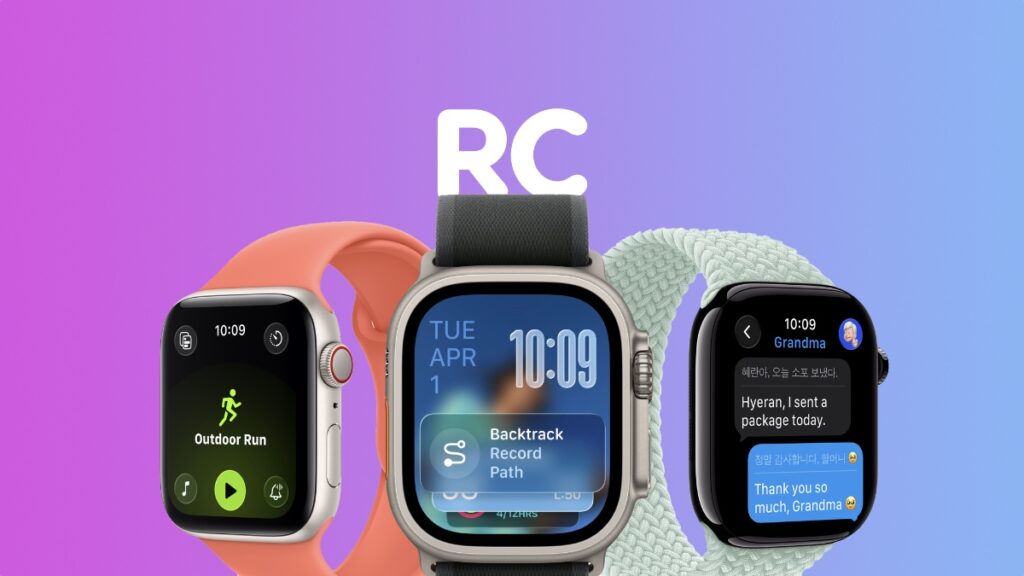

watchOS 26 Release Candidate (RC) is now available for download on the Apple Watch, and here’s how you can install it.
Apple has Released the watchOS 26 RC Update for Developers and Public Beta Testers, Anyone Can Download it Today as Well
Have you been testing watchOS 26 beta? Today’s the day you finally get off the beta channel and onto the regular update path, since the RC update has been released.
In order to download the watchOS 26 RC update right now, all you have to do is launch the Watch app on iPhone, go to General, then open Software Update. Let the page refresh and then tap on Update Now when you see the RC update.
The watchOS 26 is available for both developers and public beta testers, and it has the following build number: 23R351
You know what this means, right? It means anyone can download watchOS 26 RC right now and experience the goodness of Liquid Glass on Apple Watch. And all it takes is installing iOS 26 on your iPhone, and then signing up to the watchOS 26 public beta.
You’ll find the details on how to download iOS 26 developer beta here, and watchOS 26 public beta here.
While the RC is not a ‘beta,’ you still can’t downgrade back to watchOS 11, if you don’t like the new update for any reason at all. But don’t worry, Liquid Glass and the other changes will eventually grow on you, and you’ll like the work Apple has done here.




