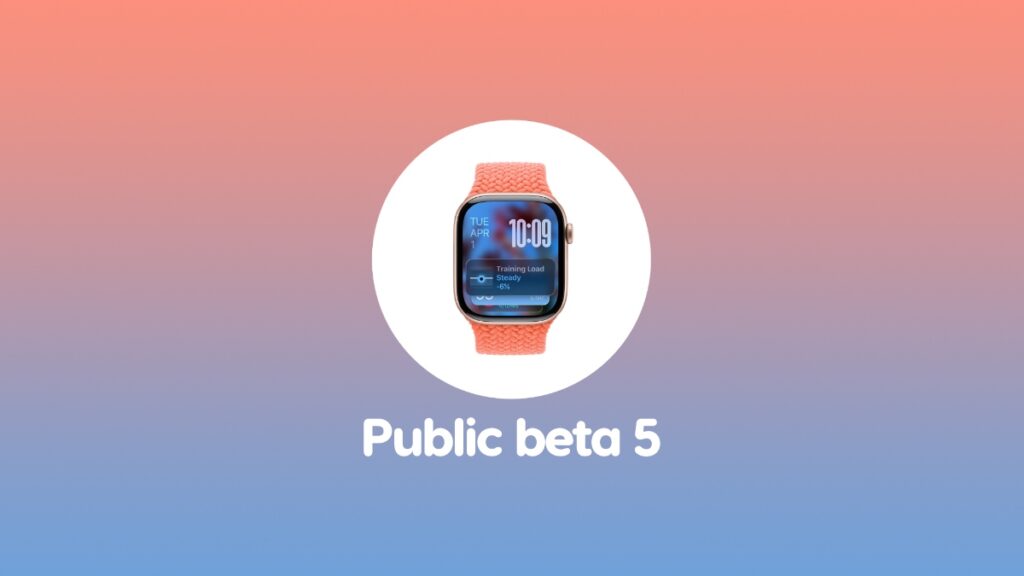

watchOS 26 public beta 5 is now ready for download on your Apple Watch. If you’re testing the beta already, make sure you install it now.
You Can Now Download and Install watchOS 26 Public Beta 5 on Your Apple Watch
Just a while back, Apple released developer beta 8 of watchOS 26. It was only a matter of time before the same build would be released for public beta testers as well, and Apple has delivered the update just now.
Updating is easy, and you do it like any other watchOS update too. Just place your Apple Watch on its charger, launch the Watch app on your iPhone, then go to General, open Software Update, and then tap on Update Now.
The update will take some time to download and install so be patient. During the entire installation process, make sure you do not play around with your iPhone or Apple Watch.
If you want to test out the watchOS 26 public beta too, you’ll find all the details posted here.