
Apple is not forcing the new Safari look on everyone with iOS, iPadOS, and macOS 26. You can switch back to previous options.
iOS 26, iPadOS 26, and macOS 26 will Allow Users to Switch the Layout Between Compact, Bottom, and Top Options
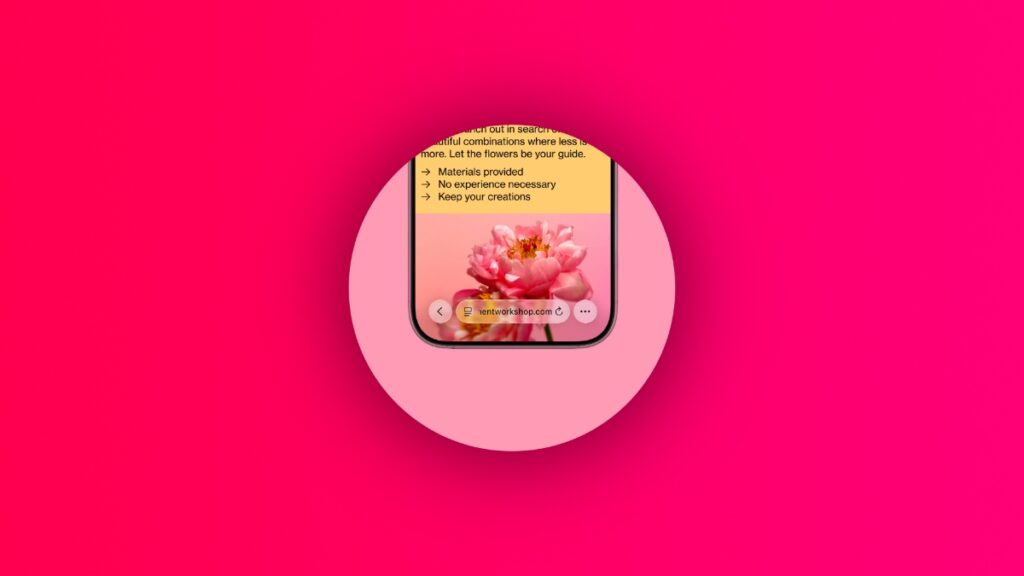
Say whatever you want, but the new layout of Safari in iOS 26, iPadOS 26, and macOS 26 is gorgeous. It keeps the address bar as minimal as possible in order to put focus on the webpage you are viewing.
If you think the new layout is not to your liking, then you will be pleased to learn that you can roll back to the older look whenever needed. In fact, Apple will give you three choices: Compact, Bottom, and Top.
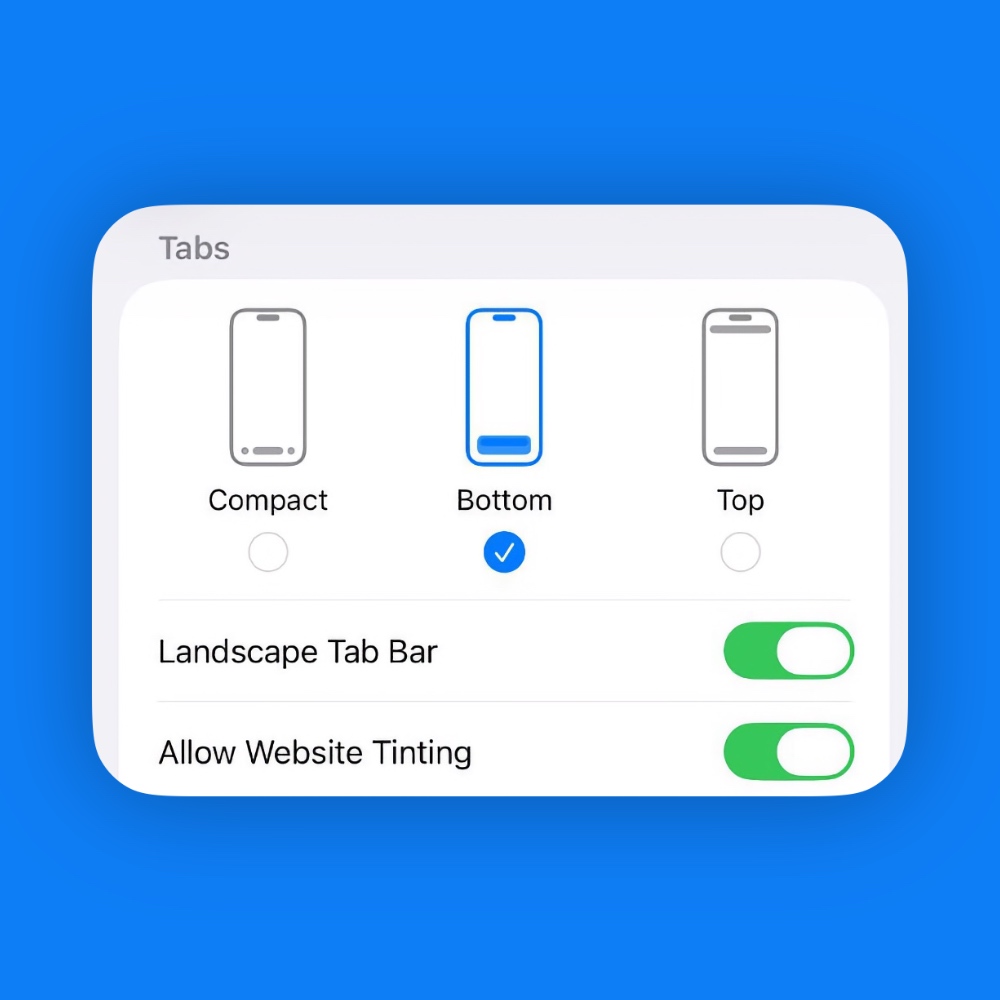
The Compact view is the one which Apple showed off at WWDC 2025, while Bottom and Top are the ones which are currently available in iOS 18, iPadOS 18, and macOS 15 Sequoia.
Though people swear by the ‘Top’ look more, since it’s the traditional way to use Safari, but I did the ‘Bottom’ one more because it makes the address bar easier to reach.
Compact simply splits the controls to give the webpage more space.
Do keep one thing in mind: no matter which option you choose, you still get the Liquid Glass effect. It’s not going to be a white interface from iOS 18 or before.