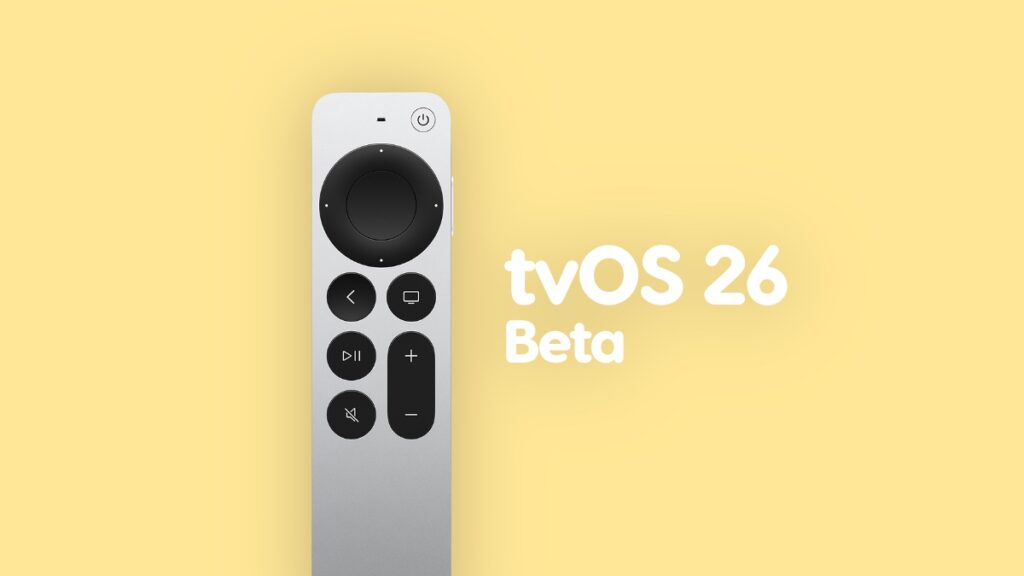

Apple has released the first developer beta of tvOS 26 for the Apple TV, and you can download and install it right away.
tvOS 26 Beta Now Available to Download and Test Drive with New Features and Changes on Apple TV
tvOS 26 is a nice little update for the Apple TV and will be available for pretty much all Apple TV devices later this year. But if you’re a registered developer with Apple, you can download and install the update right now.
As always, you need to go through a small checklist of things in order to make sure you are ready for the developer beta, starting with compatibility.
tvOS 26 Beta Compatible Apple TV Models
tvOS 26 is supported by a wide range of Apple TV models, and you can install the beta on the following devices:
- Apple TV 4K (2017, 2021, and 2022 models)
- Apple TV HD (2015)
It’s pretty wild that an Apple TV model that is 10 years old is getting the tvOS 26 update too.
Sign up to the Apple Developer Program
You need to sign up to the Apple Developer Program in order to get access to the beta. Use the Apple Account you are currently signed in to your Apple TV by going to this link.
Once signed in, you’re ready to enable developer beta updates on your Apple TV.
Enable the tvOS 26 Developer Beta on Apple TV
On your Apple TV, follow these steps:
- Launch the Settings app from the Home Screen.
- Scroll down and open System.
- Now open Software Updates.
- After a few seconds a new Get Beta Updates option will appear. Open it.
- Select tvOS 26 Developer Beta from the list.
Download and Install the tvOS 26 Developer Beta on Apple TV
Once you’ve followed the above steps, tvOS 26 beta is now available for your Apple TV. Follow these steps in order to start the download:
Step 1. Launch Settings from the Home Screen.
Step 2. Scroll down and open System.
Step 3. Open Software Updates.
Step 4. Open Update Software.
Step 5. Install tvOS 26 developer beta when it shows up.
The entire process may take a while, and your Apple TV will restart. Do not turn off your TV or play around with the remote. You really need this to go through as smoothly as possible.
You do have the option to clean install the update, but this luxury is limited to just one Apple TV model only. You’ll find all the details here.