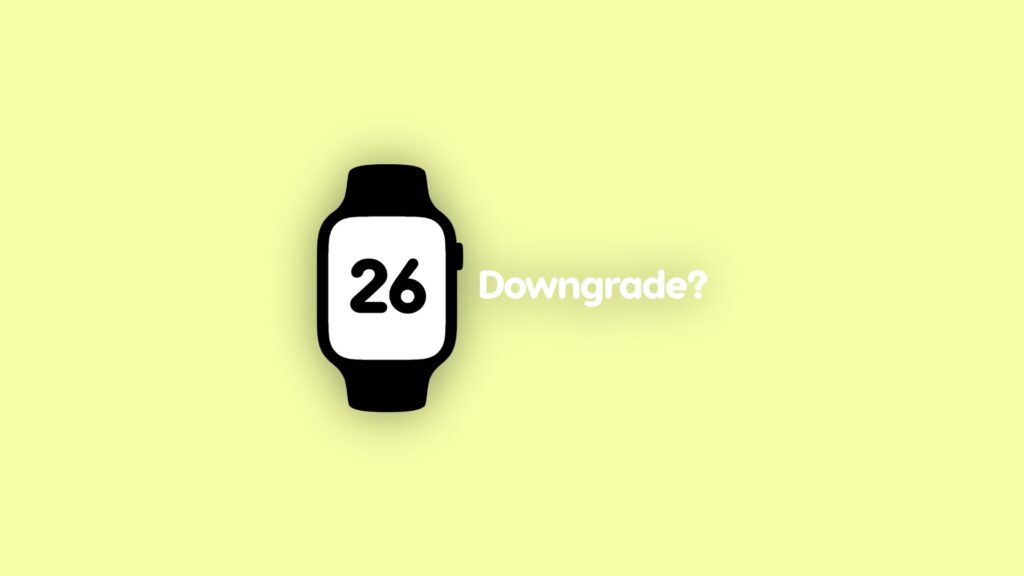

The big question: can I downgrade watchOS 26 beta installed on my Apple Watch to watchOS 11? Let me explain.
You Cannot Downgrade watchOS 26 Beta to watchOS 11 on Apple Watch
You need nerves of steel in order to test out watchOS betas. If something goes wrong testing out an iOS or iPadOS beta, you can always downgrade whenever you like.
Sure, the process involves putting your device in DFU mode, downloading the IPSW file for restore, but the option is at least there.
When it comes to watchOS updates, you can’t do any of that at all. If you have installed watchOS 26 beta on your Apple Watch, you can’t downgrade back to watchOS 11.
Apple doesn’t sell a special cable, nor does it have a special software feature that allows such a thing. Once you update, you’re going along for the ride until the final version of watchOS 26 update comes out later this year.
This has been my biggest gripe with devices like the latest Apple TV and Apple Watch, which can’t be interfaced with something like a Mac for a clean restore.
Apple can totally throw in a feature like Internet Recovery from the Mac in order to download an entire firmware over the air and then install it. But nothing like that has manifested so far.
If you’re super tempted to test out watchOS 26 beta, I’m not here to stop you. But I’m here to tell you that you cannot downgrade from watchOS 26 beta to watchOS 11.
It’s best that you install the update on a spare Apple Watch, if you have one. Else, it’s entirely up to you how you want to go about this situation.
As someone who loves testing out beta software, watchOS is something I actively avoid. If something goes wrong and your Apple Watch goes into a boot loop, you can’t save it unless you have an Apple Store nearby.
Who knows? Apple might allow downgrading at some point in the future, but for now, it’s not happening, and users need to be careful when navigating around the developer beta waters.