

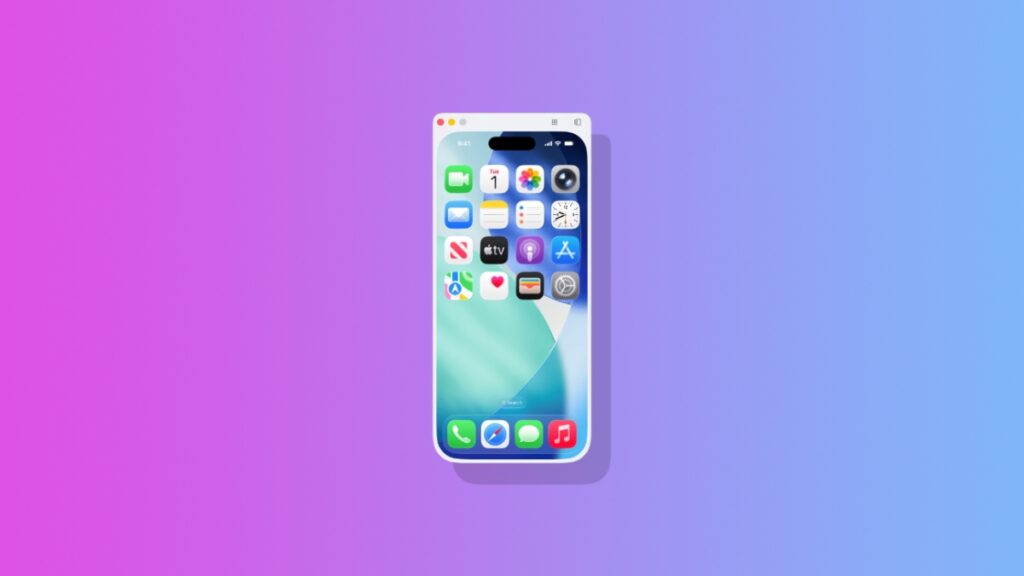

iPhone Mirroring in macOS 27 Golden Gate is getting a huge update, and it hints at the upcoming iPhone Fold as well.
iPhone Mirroring in macOS 27 Golden Gate Transforms Your iPhone into an iPad Just by Dragging
iPhone Mirroring in iOS 26 and macOS 26 Tahoe is a pretty straightforward feature. You click on the iPhone Mirroring icon, and your iPhone display appears on your Mac.
While you can make the iPhone Mirroring window bigger, but you can’t resize it however you like. In macOS 27 Golden Gate and iOS 27, you can do exactly that.
Just click on the corner of the iPhone Mirroring window and drag away – your iPhone will transform into an iPad on the Mac screen.
And it makes perfect sense why that’s happening, because iPhone and iPad apps are the same. It’s just a case of dragging from the corner to make them bigger, and the iPhone screen doesn’t allow that to happen because it’s pretty small compared to iPad.
Here’s a demo of the feature in action, courtesy Aaron Perris on X, who is an analyst at MacRumors:
Given that this feature exists, it gives us a glimpse into what we can expect from the iPhone Fold, or iPhone Ultra, whatever you want to call it.
On the external display, you get the regular view of your favorite app, and the moment the display opens up, the app anatomically transforms into an iPad-like experience.
But the one thing that remains unclear whether or not the iPhone Ultra will allow users to run two apps side-by-side. I’m guessing Apple might not allow that to happen, since it hasn’t done that on iPhone so far in any capacity. But who knows that might change.
The iPhone Ultra is expected to be announced later this year, while the iOS 27 update, alongside macOS 27 Golden Gate should become available to download in September.




