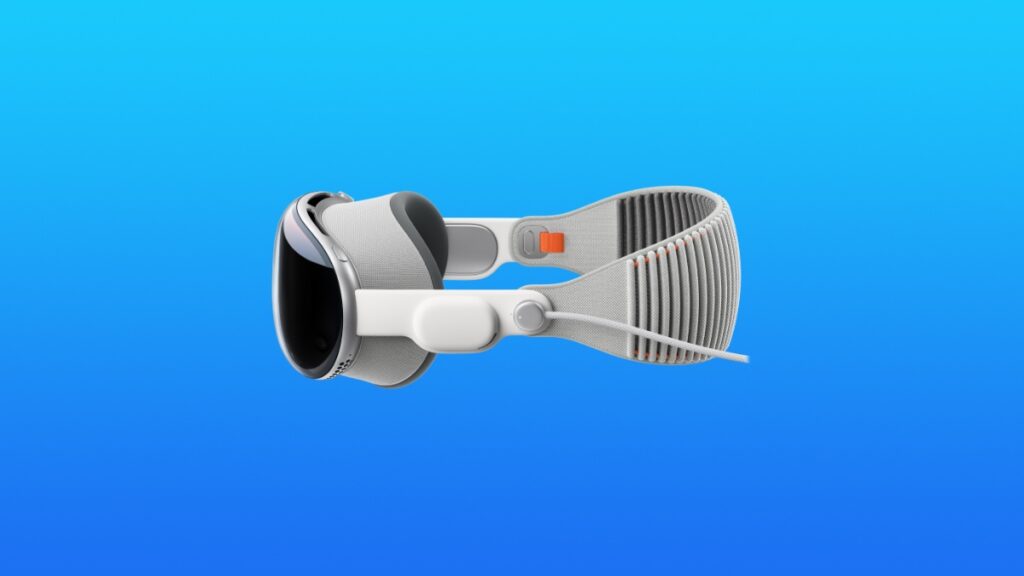

The full and final version of the visionOS 26.5 software update is now available for download on the Vision Pro.
Final Version of visionOS 26.5 is Now Available for Download for M2 and M5 Vision Pro Headsets
The RC version of visionOS 26.5 was made available for download last week, and since a week has passed, the final version is now available for everyone with a Vision Pro headset around the globe.
In terms of changes, Apple has kept it subtle, and focused on squashing bugs, and shipping some new emoji. Other than that, you won’t find anything at all.
In order to download and install the update immediately, all you have to do is go to Settings > General > Software Update on your Vision Pro. Now do the pinch thing on the Install button and the update will start to download immediately.
I will recommend putting your Vision Pro on charge during the whole process. Also make sure you’re not using the headset, so it’s a good idea to just let it rest on a table during the installation.
The new visionOS 26.5 update has the following build number: 23O471

![Siri AI Coming to the Original HomePod mini too [Update: False]](https://www.anotherapple.com/wp-content/uploads/2026/10/siri-ai-on-original-homepod-mini-300x169.jpg)