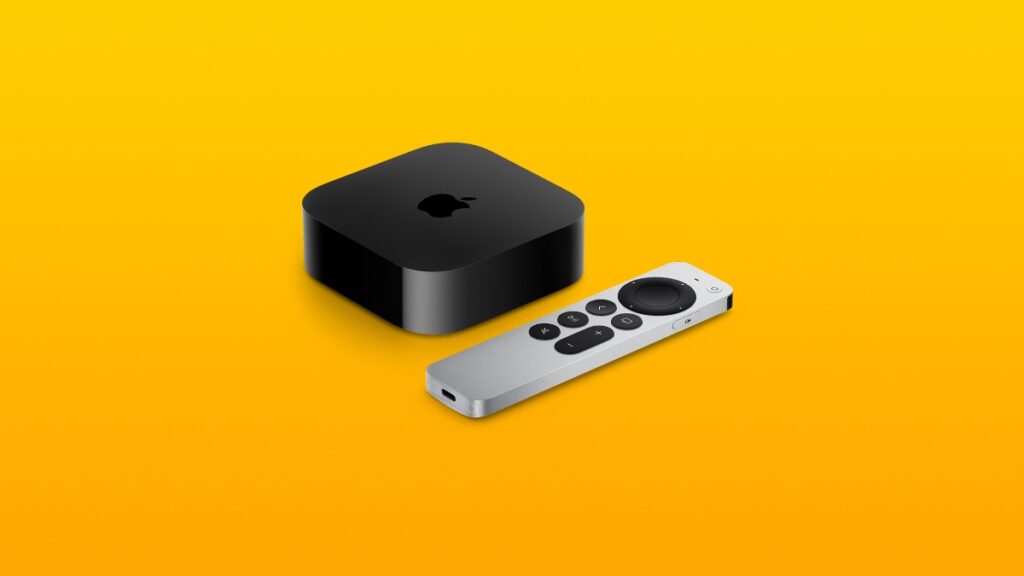

tvOS 26.5 for the Apple TV is now available for download with a handful of bug fixes and security updates.
Apple Releases tvOS 26.5 for the Apple TV with Bug Fixes and Small Under-the-Hood Improvements
I’m sure you’ve already installed the tvOS 26.5 RC update, and if you haven’t then you can go right ahead and do it today, because the final version of the update is now available for download.
tvOS updates are almost never feature-packed, and the big focus is on bug fixes and security enhancements. tvOS 26.5 is no different, and you should download it immediately if you want your Apple TV content to stream smoothly on date night.
In order to do that, turn on your Apple TV, then open the Settings app, go to System, then open Software Updates, and then finally, open Update Software. Install the available tvOS 26.5 update.
During the installation, do not turn off your TV set or change channels. Your screen will go blank several times, but eventually, you will boot right up, ready to stream stuff off the internet.
If you’re looking for the tvOS 26.5 IPSW file, you can download it for the Apple TV HD model from this link.
The new tvOS 26.5 software update has the following build number: 23L471

![Siri AI Coming to the Original HomePod mini too [Update: False]](https://www.anotherapple.com/wp-content/uploads/2026/10/siri-ai-on-original-homepod-mini-300x169.jpg)