

macOS 27.0.1 Golden Gate is now available for download on the Mac with important bug fixes.
Download and Install macOS 27.0.1 Golden Gate Software Update for the Mac with Bug Fixes
If you’re still enjoying the macOS 27.0 update, then you will be pleased to know that Apple is all set to take things to the next level with the release of macOS 27.0.1.
Just like iOS 27.0.1 and iPadOS 27.0.1, the new macOS Golden Gate update is meant to fix bugs on the Mac. Apple doesn’t say which ones, and that’s fine, because in the end you’ll be left with a smoother and reliable macOS experience anyway.
In order to download the new update right now, all you have to do is head over to System Settings > General > Software Update on your Mac. When you see the new update, click on the Update Now button.
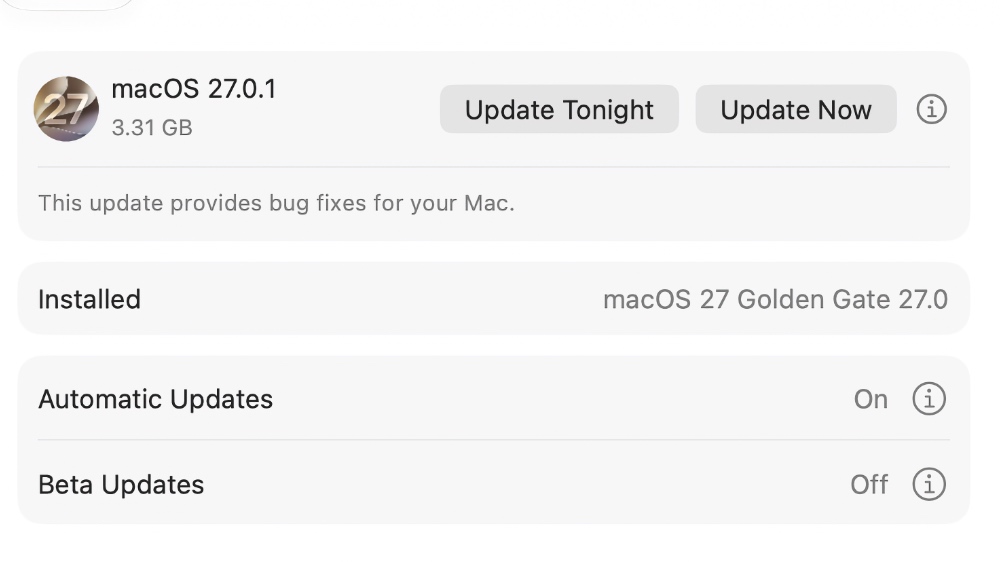
Apple has maintained its tradition of sending out unusually large software updates for the Mac, even if it plans on fixing something small. So, be prepared to download at least 3 gigabytes of data before installing macOS 27.0.1.
Looking for the macOS 27.0.1 Golden Gate restore image for Apple silicon Mac? You’ll find it linked below: