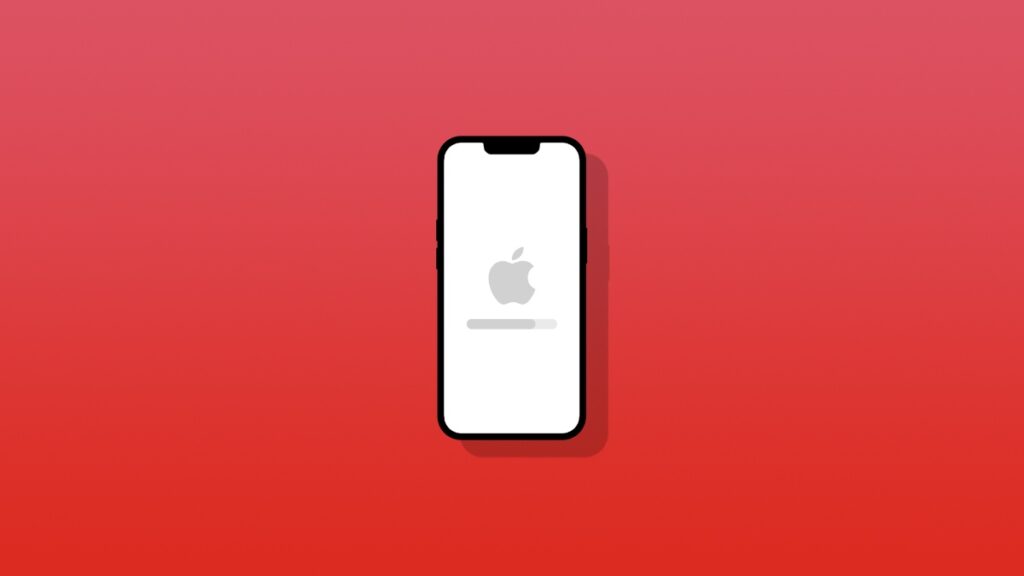

Today, Apple has stopped signing iOS 26.5/26.5.1 for iPhone, and iPadOS 26.5 for iPad users around the world.
iPhone and iPad Users Can No Longer Downgrade to iOS 26.5.1, iOS 26.5, and iPadOS 26.5
iOS 26.5.2 and iPadOS 26.5.2 were released a while ago with important security fixes for both iPhone and iPad users around the world. It’s one of those updates that you should download immediately as well.
And to make sure that users do install this update, Apple has stopped signing iOS 26.5 and iPadOS 26.5, as well as iOS 26.5.1 for iPhone.
In case you are wondering, iPadOS 26.5.1 was not available for iPad, and was solely meant for iPhone that fixed an important charging bug on the latest iPhone models, which includes iPhone 17, iPhone 17 Pro, and iPhone Air.
When Apple stops signing a software update, it means you on longer have the option to downgrade to it, if you were planning to do that. It is not recommended to downgrade anyway, unless there’s an issue with the software that just isn’t going away.
In order to download and install the latest software update on your iPhone or iPad, just launch the Settings app, then go to General > Software Update. Give it a few seconds and you’ll see the latest update show up. Now simply tap on the Update Now button.

![Siri AI Coming to the Original HomePod mini too [Update: False]](https://www.anotherapple.com/wp-content/uploads/2026/10/siri-ai-on-original-homepod-mini-300x169.jpg)