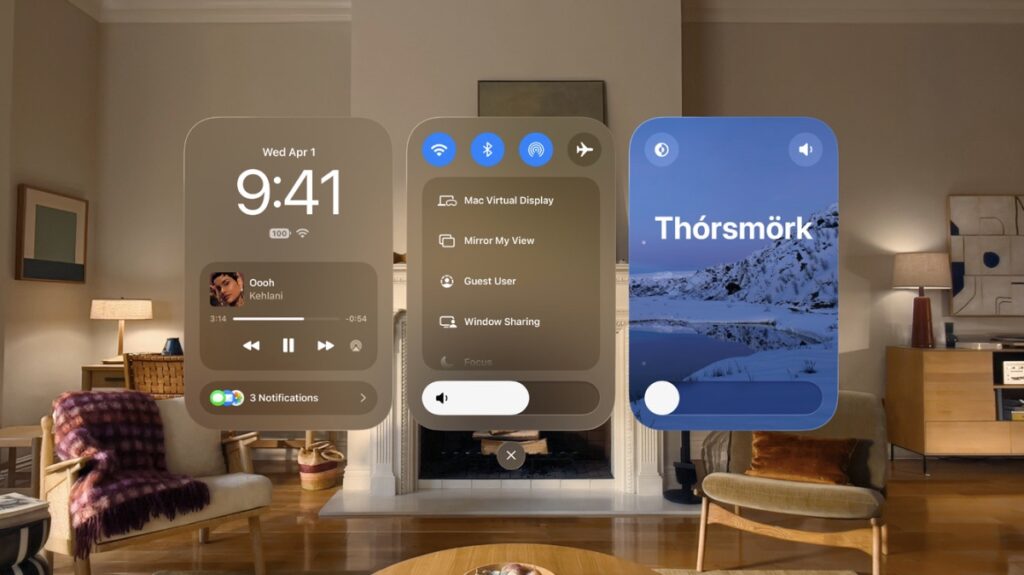

Vision Pro users can now download and install the new visionOS 27 developer beta 2 on their devices over the air immediately.
visionOS 27 Beta 2 Now Available for Download on Vision Pro with Feature Tweaks, Improved Performance, and More
visionOS 27 is available for both the M2 and M5 models of Vision Pro. Apple released the first beta of the software a couple of weeks ago, and today, the second beta is available for download.
If you’re been testing out visionOS 27 developer beta 1, then you can download the new beta 2 over the air by following these steps:
- Launch the Settings app.
- Go to General > Software Update.
- Select Update Now and visionOS 27 beta 2 will start to download immediately.
It’s best that you connect your Vision Pro to a power outlet throughout the process so that you do not run out of power when installing the new beta update.
Apple says the latest visionOS 27 beta has the following build number: 24M5306i
Those interested in testing out the new visionOS 27 beta update will find the necessary details posted here. As ever, there won’t be a public beta of visionOS 27, and Apple has confirmed it on the Beta Software Program website.
Once you do download the new visionOS 27 beta update, you cannot downgrade back to visionOS 26. You have to install each and every visionOS 27 beta update until the final version is released later this year in order to return to the public software update channel. That sounds like a lot of work, but it’s just over a couple of months from now.

![Siri AI Coming to the Original HomePod mini too [Update: False]](https://www.anotherapple.com/wp-content/uploads/2026/10/siri-ai-on-original-homepod-mini-300x169.jpg)