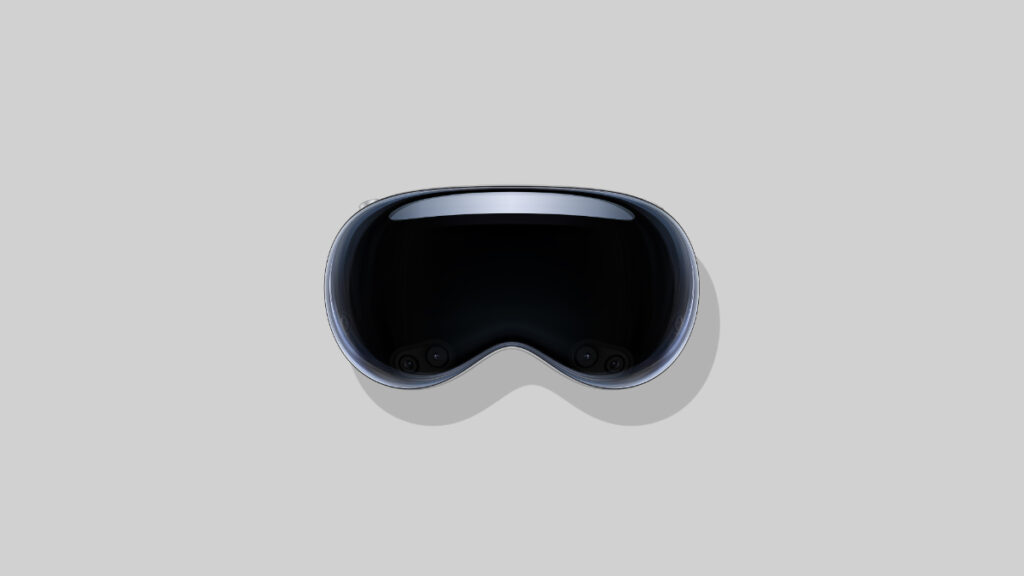

The new visionOS 26.4 software update for M5 and M2 Vision Pro is now available for download and installation today.
Download and Install visionOS 26.4 Today for Vision Pro with Support for NVIDIA CloudXR, Bug Fixes, and Security Improvements
Whether you have the M2 Vision Pro, or the latest one with the mighty M5 chip inside, the visionOS 26.4 update is now available for download on both headsets.
In terms of features, there are a bunch of interesting additions in this update, and on top of the list is support for NVIDIA CloudXR. What this means is that new immersive experiences are coming to Vision Pro, that too with the help of a small software update.
In order to download and install the visionOS 26.4 update right now, all you have to do is go to Settings > General > Software Update on your Vision Pro.
According to Apple, the new visionOS update has the following build number: 23O247
Apart from new features, there are a bunch of security fixes in the update as well. If you have private information in your Vision Pro and want to keep it safe, make sure you download the latest software updates as they arrive.
You can download the visionOS 26.4 firmware files from the links below:

![Siri AI Coming to the Original HomePod mini too [Update: False]](https://www.anotherapple.com/wp-content/uploads/2026/10/siri-ai-on-original-homepod-mini-300x169.jpg)