

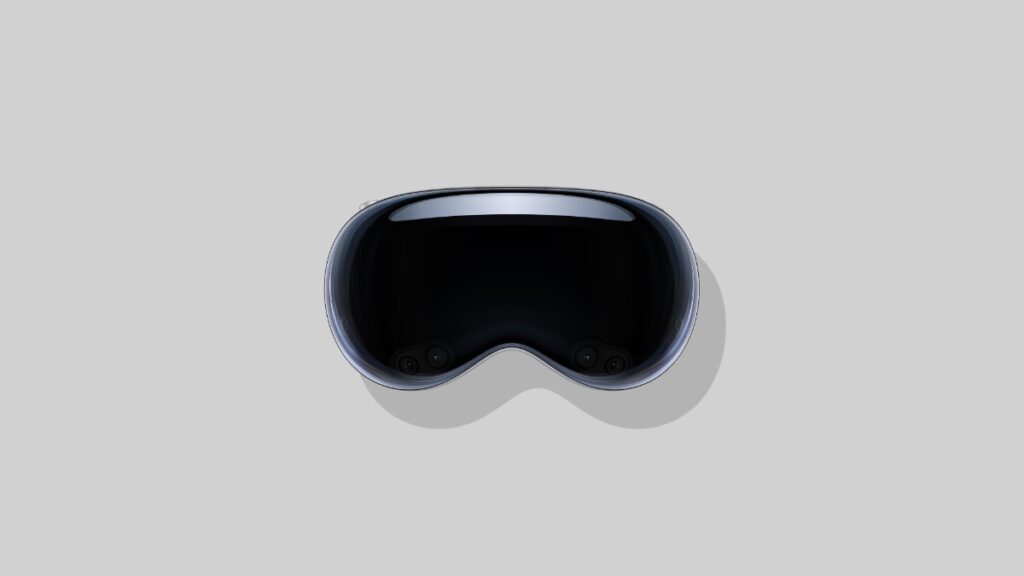

You can now download and install visionOS 26.3.1 update on your Vision Pro headset with a fix for the flickering issue on Apple TV.
visionOS 26.3.1 for Vision Pro Now Available for Download with Fix for Flickering Sports Content in Apple TV App
Apple released the visionOS 26.3.1 update for the Vision Pro just a while ago. It is an important update, especially if you consume sports content through the Apple TV app.
According to the release notes for the update, Apple says that the new update fixes an issue that may cause flickering when watching sports content in Multiview. If you have come across that issue too, it’s best you download the update right away.
You can install the update on Vision Pro by simply going to Settings > General > Software Update on your headset. Once the update starts to download, I recommend placing the headset on charge.
Apple says the new update has the following build number: 23N630
If you are looking for the firmware files for the update, you will find them at the links below:
Download visionOS 26.3.1 for Vision Pro (M2)
Download visionOS 26.3.1 for Vision Pro (M5)




