

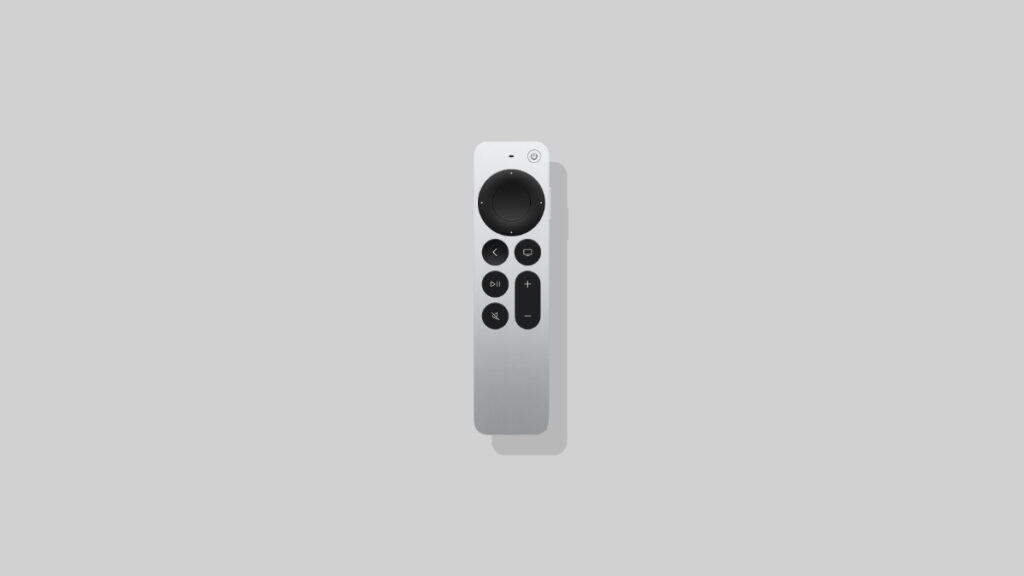

Your Apple TV has a new tvOS 26.3 software update available for download. Make sure you install it now for improved stability.
Download and Install the Full and Final Version of tvOS 26.3 on Apple TV Today with Bug Fixes and Other Improvements
Planning to watch Stranger Things tonight? Not so fast, because Apple has just released the full and final version of tvOS 26.3. It’s the same as tvOS 26.3 RC, which was released last week for developers and public beta testers.
The new update focuses on bug fixes and other under-the-hood improvements, which is important for a smooth big screen experience.
Download tvOS 26.3 Over-the-Air
Here’s what you have to do in order to download the latest update:
- Turn on your Apple TV.
- Launch the Settings app.
- Scroll down and open System.
- Find Software Updates and open it.
- Open Update Software and install the available tvOS 26.3 update.
Apple says the new tvOS 26.3 update has the following build number: 23K620
Your Apple TV will restart in order to install the update, and your TV will show you the Apple logo before going blank several times. During this process, make sure you do not turn off your TV or play around with the remote.
Once done installing, you can look forward to binge-watching Stranger Things.
If you’re looking for the tvOS 26.3 firmware full for Apple TV HD, you can download it from this link.




