

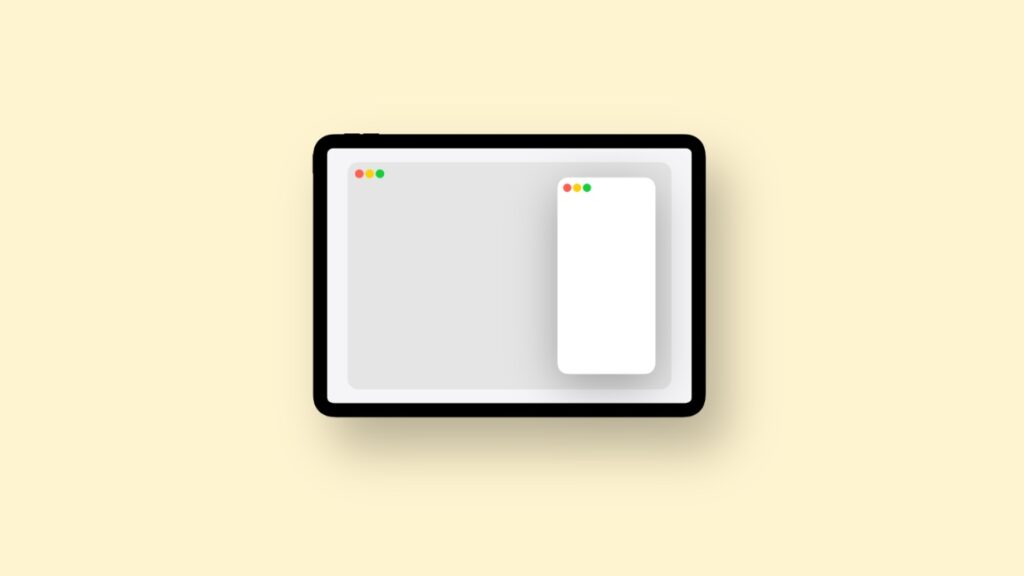

It’s not like the one in iPadOS 18, but Apple is bringing back Slide Over multitasking to iPad with the latest iPadOS 26.1 update.
Slide Over Makes a Comeback with iPadOS 26.1 Beta 2, Not the Same as iPadOS 18, But Close Enough
If there’s one thing that’s truly missing from iPadOS 26, it’s Slide Over multitasking. Sure, you can replicate it using Apple’s new windowing system, but it’s just not as convenient compared to before.
With iPadOS 26.1, Apple is bringing some part of it back, but it’s not quite what we’re used to.
Basically, you touch and hold on the green traffic light button on the top left of an app window and select the new Enter Slide Over option. Once you do that, iPadOS will resize your window and put it on the side of the display.
The only problem is, it works with just one app at a time and does not allow you to stack several apps like iPadOS 18. Though some might find it a little inconvenient, I’m glad it’s back in some capacity.
As someone who has been using Slide Over for a long time, I’m hopeful Apple will restore the feature fully down the line. But even in its current form, I’ll take it.
iPadOS 26.1 is currently available to developers and public beta testers only. The above change is available as part of the newly released second developer beta.




