
iOS 26 and iPadOS 26 lets you convert any photo into 3D with a press of a button, and I’ll show you how it works.
Experience Your Photos in 3D with iOS 26 and iPadOS 26’s New Spatial Scene Feature on iPhone and iPad
Whether it’s a photo you took yourself, or someone sent it to you, iOS 26 and iPadOS 26 can easily turn it into a spatial photo, giving it a marvelous 3D effect when you move your device around.
This feature is called Spatial Scene.
The feature lives inside the Photos app and you can access it with a press of a button. Once you do that, your iPhone or iPad will analyze the scene and instantly allow you to see it in 3D.
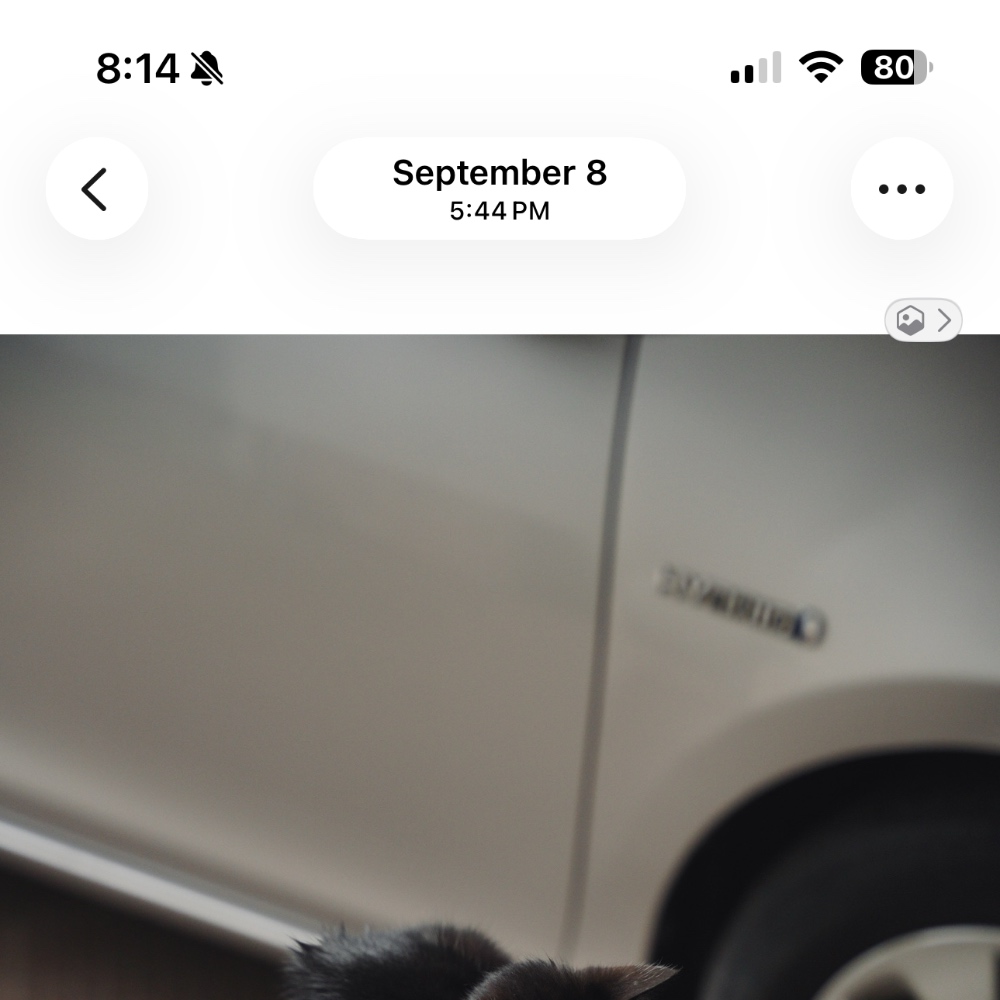
In order to test out the feature, just launch the Photos app right now. Open any photo at all. You’ll see the Spatial Scene icon on the top right of the photo, tap on it.
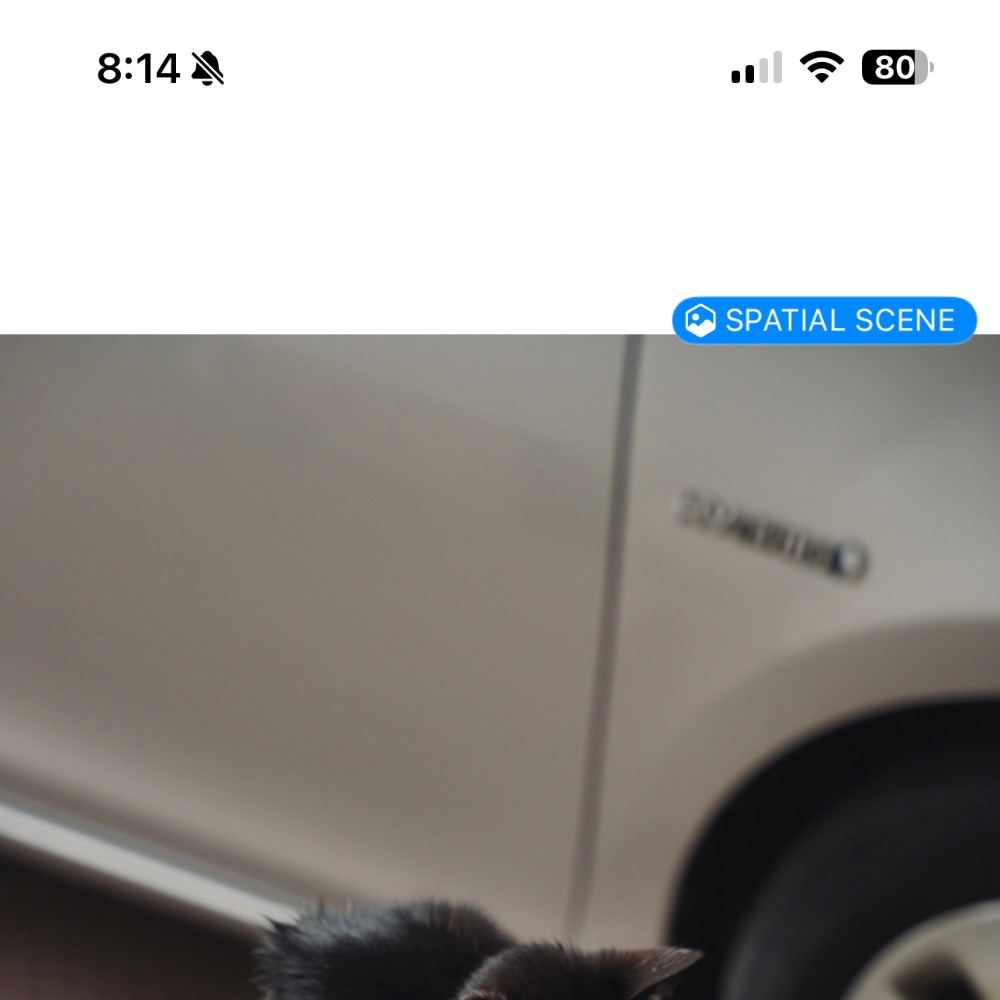
After a few seconds it will say ‘Spatial Scene’ in blue. Move your device around and experience the 3D effect.
This is one of those features that will completely blow you away, because you do not expect it to be this good. The amount of effort Apple has put into this is definitely remarkable.
You can even have 3D photos on your iPhone and iPad Lock Screen, and they look so good. It’s like you’re looking into a window of reality, except it’s in the palm of your hands.