

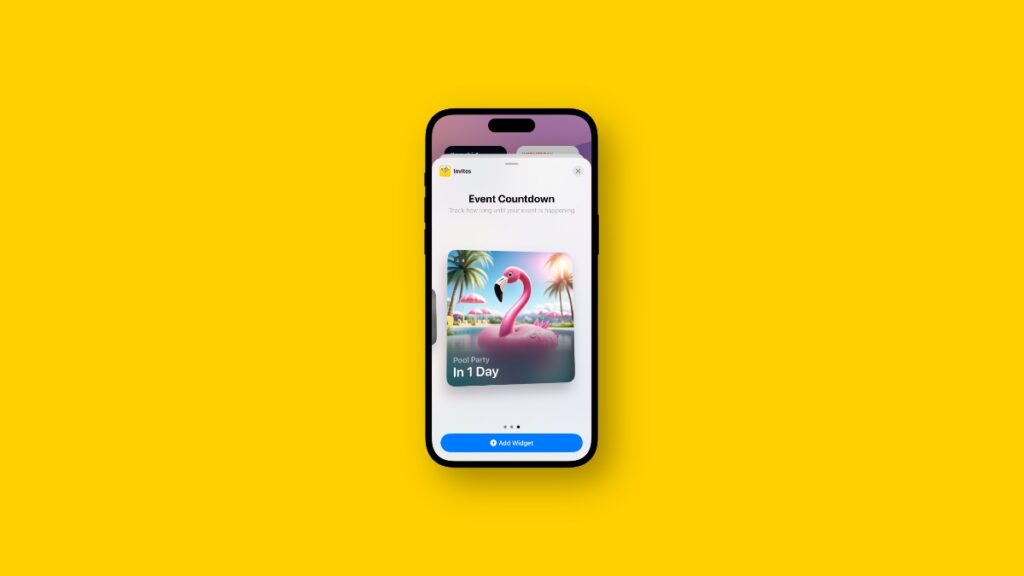

The Invites app for iPhone just got an update, and it now has its own widget which you can add to the Home Screen.
Latest Invites App Update for iPhone Includes Three Widgets That Count Down to Your Next Event
Though I was hoping for an iPad version of the app, it’s okay. I’m sure Apple has that planned for some other day.
But, we do get a widget for the Home Screen in all sizes. Once added, the widget will simply count down to your next event.
You get three widgets in total, which is basically just three sizes. The bigger widget just looks cool and takes up more space on the Home Screen; that’s all.
In order to add the widget to the Home Screen, just tap and hold on an empty portion of the screen, tap on Edit at the top left, then select Add Widget. Just search for Invites and add the widget you just got with the update.
Do keep in mind that in order to use Invites, you must be subscribed to iCloud+. If you don’t, then no event planning or widgets for you.




