

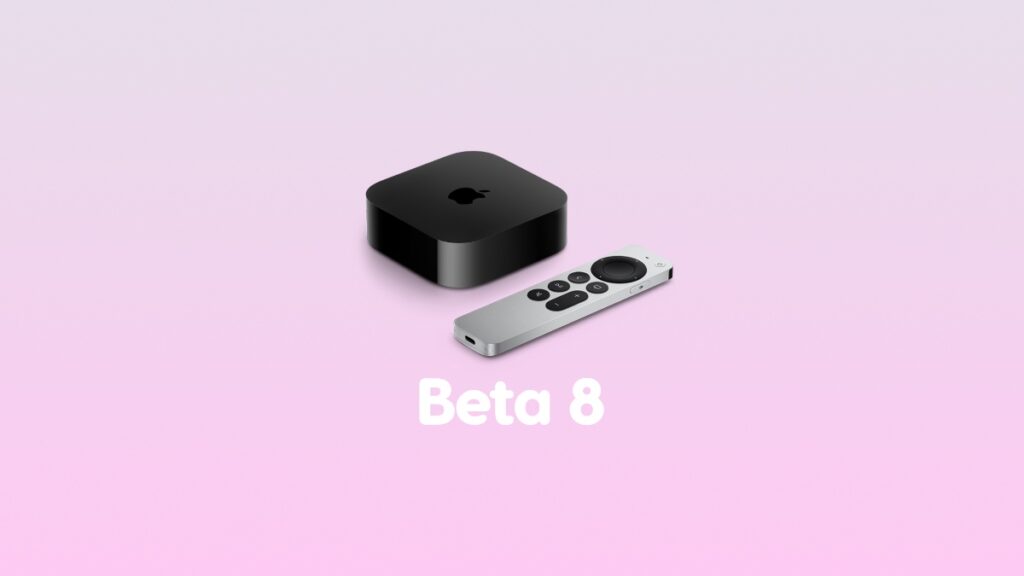

Apple has released tvOS 26 developer beta 8 for the Apple TV, and it is now available for download over the air.
tvOS 26 Beta 8 Now Available for Download as we Move Closer to the Final Release Date
Those who currently have developer beta 7 installed on their Apple TV can download beta 8 over the air right away. This is what you have to do:
- Launch the Settings app on your Apple TV.
- Go to System > Software Updates.
- Click to open Update Software.
As soon as the new update becomes available, make sure you download it right away.
The latest tvOS 26 beta 8 has the following build number: 23J5348a
Eager to test out tvOS 26 beta on your Apple TV? You can either download the developer beta or the public beta.




