


Blood Oxygen feature not working after iOS 18.6.1 and watchOS 11.6.1 update? Try this simple fix to get everything working again.
Can’t Use Blood Oxygen After watchOS 11.6.1 and iOS 18.6.1 Update? The Fix is Pretty Easy
Apple enabled Blood Oxygen on Apple Watch with the latest iOS 18.6.1 and watchOS 11.6.1 updates. However, some users noticed that the feature wasn’t working for them at all.
But, don’t panic. Before you completely give up, there’s a fix on the internet many are swearing by, which enables Blood Oxygen on Apple Watch, and you can then use it normally.
What You Have to Do
What you’re going to do is, take a heart-rate measurement first on Apple Watch using the Heart Rate app. Once that is done, take an ECG using the ECG app.
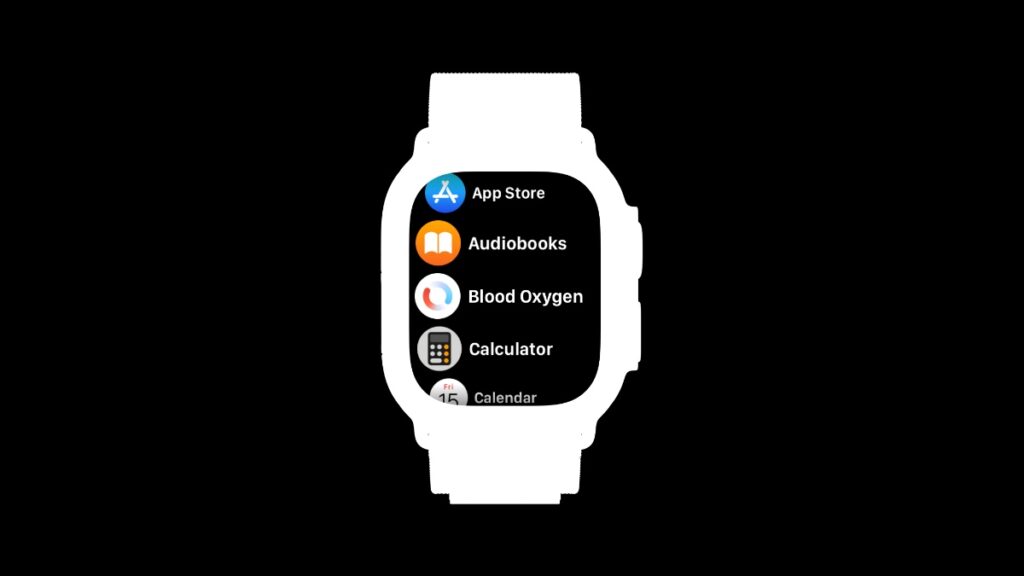
Once you do this, the Blood Oxygen app will show right up, and you can start taking reading immediately.
Give it a shot, and Blood Oxygen will be ready for use on your Apple Watch in no time. Also, you can check out all the measurements right from the Health app on your iPhone.
If Blood Oxygen is still not working, there’s a chance Apple might release a new update to fix the issue.




