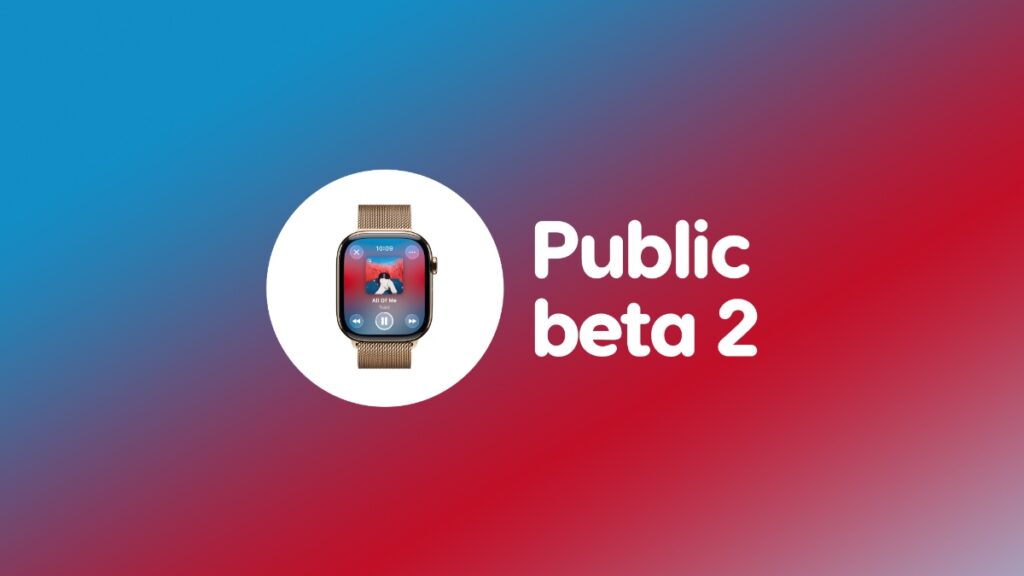

Apple has just released watchOS 26 public beta 2, and you can download and install it on your Apple Watch right now.
New watchOS 26 Public Beta 2 Update Now Available for Download on Apple Watch with Lots of Stability Improvements
Public beta users can now download the latest watchOS 26 update on their Apple Watch, with the same changes as the fifth developer beta, which was released earlier this week.
In order to do that, just place your Apple Watch on its charger and follow these steps on your iPhone:
Step 1. Launch the Watch app.
Step 2. Tap on General and then go to Software Update.
Step 3. When watchOS 26 public beta 2 shows up, tap on Update Now.
The update will take a while to install, which is perfectly normal for a beta update, or any Apple Watch software update, for that matter.
Once the update is done installing, you can start using your Apple Watch as you normally do, except that it will be much more stable compared to just a few minutes ago.
It’s stunning how Apple managed to bring Liquid Glass to Apple Watch as well with watchOS 26. Rather than interact with a flat surface, the glassy effect really makes the experience that much better.
With public beta 2, those stunning Liquid Glass effects should feel more polished than ever too.