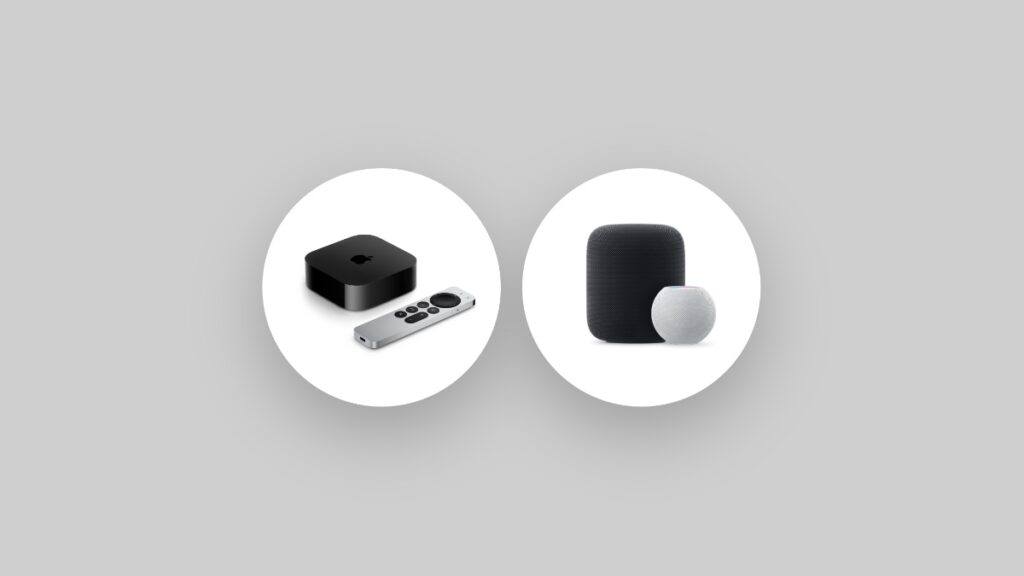

Apple has released the RC versions of tvOS 18.6 and HomePod Software Update 18.6 for Apple TV and HomePod – download them today.
Download and Install the New tvOS 18.6 RC Update on Apple TV, and HomePod 18.6 RC Update on HomePod or HomePod mini
At this point, you’re basically done testing out the tvOS 18.6 and HomePod 18.6 software updates. Apple has released the RC builds of said updates, which is basically the full and final version, but for developers and public beta testers only.
If you’re an Apple TV user testing out tvOS 18.6 for a while now, then this is what you should do in order to download the RC build:
- Launch the Settings app from the Home Screen.
- Open System.
- Go to Software Updates, and then Update Software.
Your Apple TV will restart once and the tvOS 18.6 RC will be installed in no time.
Been testing out the new HomePod 18.6 software update, then this is what you should do in order to download the RC build:
- Launch the Home app on your iPhone, iPad, or Mac.
- Tap on the ‘three dots’ button on the top.
- Open Home Settings.
- Scroll down and open Software Update.
- Install the available HomePod software update from here.
tvOS 26 is where the fun actually lives, and it is set for release later this year. Though in terms of features, not much has changed, but the inclusion of Liquid Glass really elevates the overall experience of Apple TV in the living room.
So far, the tvOS interface has been to-the-point and boring. There’s absolutely nothing wrong with that. If someone can lift it off the ground and give it an orbit around the sun, then we’re definitely talking, and Liquid Glass does exactly that.
On the HomePod side of things, things aren’t going to change that much later this year. It seems as though the upcoming HomePod 26 software update focuses on very tiny changes, which is fine too.