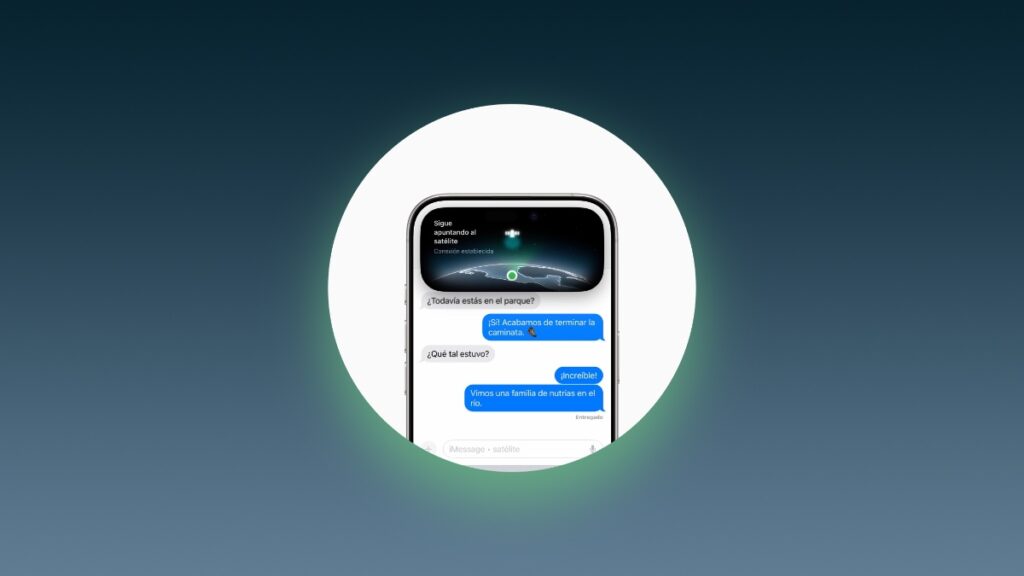

Apple has officially launched Find My and Messages via Satellite for iPhone in Mexico, and it is available for use today.
Mexico Finally Gets Apple’s Find My and Messages via Satellite Feature for iPhone Users
If you have an iPhone 14 or later, an iPhone that supports satellite connectivity, then you will be able to use Find My via Satellite and Messages via Satellite.
What this means is, if you can’t connect to Wi-Fi or a cellular tower, you have the option to send out a text message or share your location with Find My using satellite connectivity.
The connection is established using one of the many Globalstar satellites in Earth’s orbit. Your iPhone will guide you for optimal connection with the satellite so that a message can be sent or your location can be shared.
You do need to install iOS 18.4 or later on your iPhone in order to take advantage of this feature. At the time of writing, iOS 18.5 is available for download, and you can install it by going to Settings > General > Software Update on your iPhone.
Again, you need an iPhone 14 at least to make use of this feature. Any iPhone model older than that does not support satellite connectivity features.
If you want to learn more, you can head over to Apple’s website.