
The official Google Gemini AI app was updated and now fully supports iPad and its bigger display, all from one corner to the other.
Gemini App Updated with Full Support for iPad and its Bigger Display, Download it Today
But wait, didn’t the app run on iPad just fine yesterday? Yes, it did. It was the iPhone version stretched to fill the screen while leaving empty borders around it.
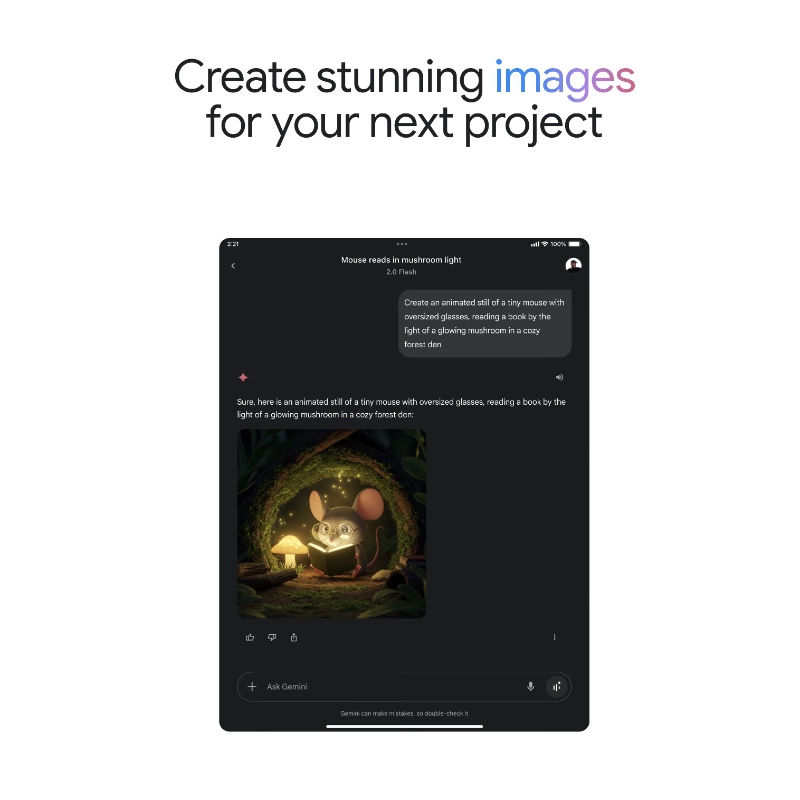
Today, Google has made the app full-screen and uses every pixel on iPad’s display. This means you get to see more of everything on the screen and it overall looks nicer compared to the iPhone-only version.
Google made sure the app works in both portrait and landscape orientations on iPad. I downloaded the app and made sure this was the case, and I’m happy to report that it is.
If you’re a developer and ship your iPad app that is locked to portrait-only, just take your app off the App Store. It’s really not worth having it around if such a basic thing is not there.
You’ll understand my frustration if you use your iPad with Magic Keyboard.
Rest of the Gemini app is pretty much exactly how you expect it to be. You’re immediately presented with a text box to enter your prompts and queries.
You can even upload images, documents from Files or talk to Gemini Live right from within the app.
Apart from that, Gemini has a dedicated Home Screen widget, something which you should look into if you want to quickly access it.
If you already have the app installed, you should see an update for it in the App Store. Head over to this link to get started.