

A nifty little Mac app lets you change the position of banner notifications on your Mac display in just a couple of clicks.
PingPlace is a Free App that Lets You Change the Position of Banner Notifications on the Mac Display
By default, whenever a new notification comes in, you’ll see it on the top right of the display. There’s no way to change it unless you’re willing to do a little bit of legwork.
That legwork comes in the form of an app called PingPlace.
Once you install it, launch it, you’ll immediately see it in the menu bar as a bell icon. You click on it, and it will let you choose where you want to see the banner notifications on the display.
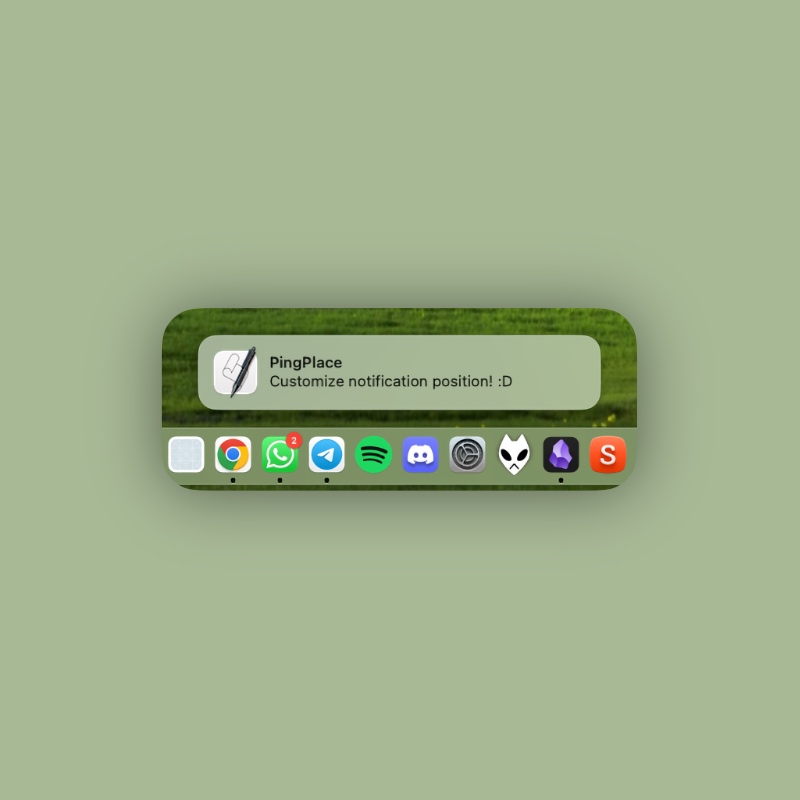
You get a total of six different positions to choose from, including: top left, top middle, top right, bottom left, bottom middle and bottom right.
The thing I absolutely love about this app is how it just sits in the menu bar, allowing you to change the position without any effort. It’s something a lot of users will appreciate.
You can either start PingPlace manually every single time, or have it launch on startup. It’s entirely up to you.
Just click on the bell icon in the menu bar and then click on Launch at Login to make sure the app launches at every boot.
This app is absolutely free to download and use. You can grab it from GitHub.