
If you’re bored of the built-in StandBy mode feature on your iPhone, then give Clocks a shot. It has a bunch of fun options.
Transform Your iPhone Display into a Beautiful Clock with Animated Backgrounds with Clocks on the App Store
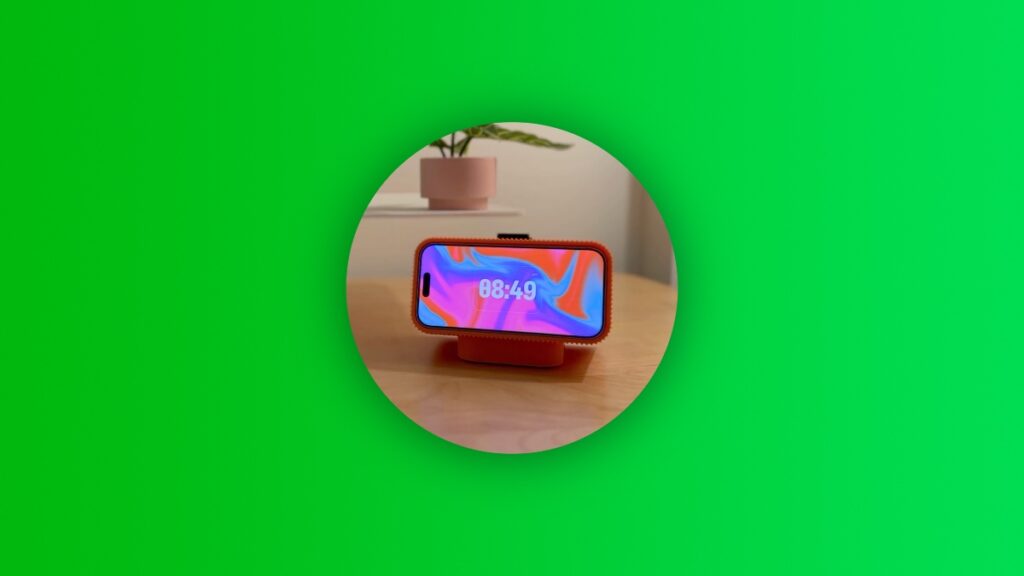
StandBy mode kicks in the moment your iPhone goes into landscape mode, whether it’s charging wirelessly or wired.
It shows you basic information like the clock, reminders, the date, or you can swipe through photos and whatnot.
However, over time, things can get really stale because StandBy mode doesn’t offer too much in terms of variety.
That’s where Clocks comes in.
Clocks does not replace StandBy mode by any means. Apple does not allow any app to do that. But the app mimics StandBy as a standalone app which is just as good as Apple’s implementation.
In the most basic words possible: Clocks transforms your iPhone into a great-looking timepiece with beautiful animated backgrounds.
You get more than 20 animated backgrounds to choose from, and with up to 10 different types of clocks available, you can really create a clock which you can call your own.
The app has support for Shortcuts, which means you can have it launch the moment you connect your iPhone to a charger. This is something which you can do for any app, really.
The best thing about Clocks is how you can just have it work without ever having to plug it into power.
The animations are beautiful and the developer has put in a lot of effort into it. The effort can actually be seen, as shown in the video below:
The app is also available for iPad and Mac and is not limited to the iPhone.
However, the full app can be purchased for just $3.99, but you can download it for free. And I believe that price is absolutely fair given the amount of functionality you get in return.
You can download Clocks from the App Store by going to this link.