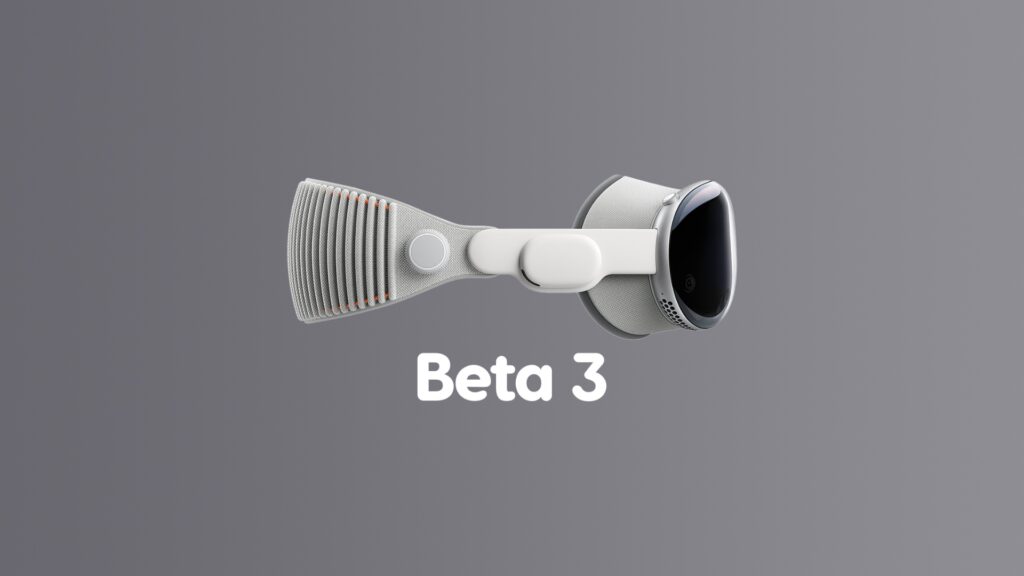

The wait is over, and developer beta 3 of visionOS 27 software update for the Vision Pro is now available for download and install.
visionOS 27 Beta 3 Now Available for Download with Bug Fixes and Other Improvements
visionOS 27 focuses on Apple Intelligence and Siri AI. The latter takes the entire experience to a whole new level, because you can place the Siri ‘orb’ anywhere you like, and access is a simple case of just looking at it and talking away.
The software update will become available for everyone later this year, and for now, we have to deal with the beta version of visionOS 27.
If you are currently living the beta life as well, and happen to be running visionOS 27 developer beta 2, then this is what you have to do in order to install beta 3:
- Open the Settings app.
- Now go to General > Software Update.
- Wait for the page to refresh, and then select Update Now.
visionOS 27 developer beta 3 has the following build number: 24M5316k
Anyone can go right ahead and test the new visionOS 27 beta, and you’ll find all details on it posted here. And yes, in case you’re wondering, visionOS 27 works on both Vision Pro models – M2 and M5.
If there’s anything noteworthy in this update, I will definitely write about it in a separate blog post. Until that happens, make sure your Vision Pro is up to date.