

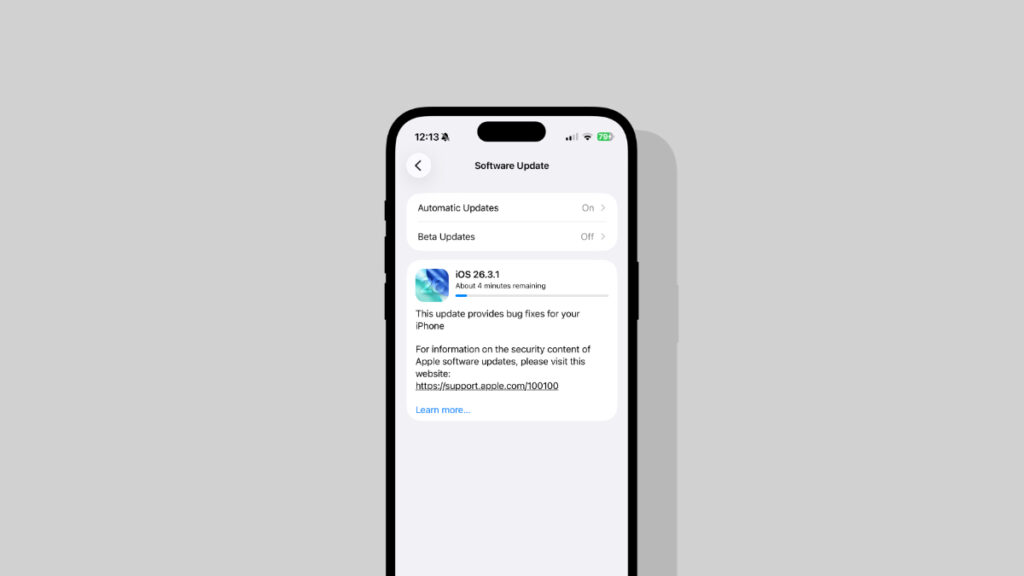

You can now download and install iOS 26.3.1 for iPhone with bug fixes and iPadOS 26.3.1 for iPad with support for the new Studio Display.
Download iOS 26.3.1 and iPadOS 26.3.1 for iPhone and iPad with Bug Fixes and Studio Display Support
Earlier this week, Apple announced the brand new Studio Display and Studio Display XDR. Both displays are up for order today, and will be available in stores on the 11th of March.
If you have an iPad and plan to get the Studio Display or Studio Display XDR for it, then you should download iPadOS 26.3.1 first, as it includes support for Apple’s latest monitors.
iOS 26.3.1 is available for download as well for iPhone, but it’s only a bug-fix update, which means it’s equally important.
In order to install the update right away, go to Settings > General > Software Update on your iPhone or iPad. Let the page refresh, and you’ll see the new 26.3.1 update – tap on Update Now at the bottom to start the download.
If you want to start fresh, then clean installing the update is also an option. You will find the to-the-point tutorial for it posted here. Just make sure you backup your device to either Finder or iCloud before going ahead.
Download iOS 26.3.1 and iPadOS 26.3.1 IPSW Firmware Files
If you’re looking to download the IPSW files for the newly released firmware updates, you’ll find them below:
- iPhone Air
- iPhone 17
- iPhone 17 Pro Max
- iPhone 17 Pro
- iPhone 17e
- iPhone 16e
- iPhone 16 Plus
- iPhone 16
- iPhone 16 Pro Max
- iPhone 16 Pro
- iPhone 15 Pro Max
- iPhone 15 Pro
- iPhone 15 Plus
- iPhone 15
- iPhone 14 Pro Max
- iPhone 14 Pro
- iPhone 14 Plus
- iPhone 14
- iPhone SE (3rd-generation)
- iPhone 13
- iPhone 13 mini
- iPhone 13 Pro Max
- iPhone 13 Pro
- iPhone 12 Pro Max
- iPhone 12, iPhone 12 Pro
- iPhone 12 mini
- iPhone SE (2nd-generation)
- iPhone 11 Pro, iPhone 11 Pro Max
- iPhone 11
- iPad Pro (M5)
- iPad mini 7 with A17 Pro
- iPad Pro 11-inch (M4), iPad Pro 13-inch (M4)
- iPad (A16)
- iPad Air 11-inch (M4), iPad Air 13-inch (M4)
- iPad Air 11-inch (M3)
- iPad Air 11-inch (M2), iPad Air 13-inch (M2)
- 11-inch iPad Pro (4th-generation), 12.9-inch iPad Pro (6th-generation)
- iPad Air (5th-generation)
- 10.2-in. iPad (10th generation)
- 11-inch iPad Pro (3rd-generation), 12.9-inch iPad Pro (5th-generation)
- iPad mini (6th-generation)
- 10.2-in. iPad (9th generation)
- iPad Air (4th-generation)
- iPad mini (5th-generation), iPad Air (3rd-generation)
- 11-in. iPad Pro (1st and 2nd generations), 12.9-in. iPad Pro (3rd and 4th generations)




