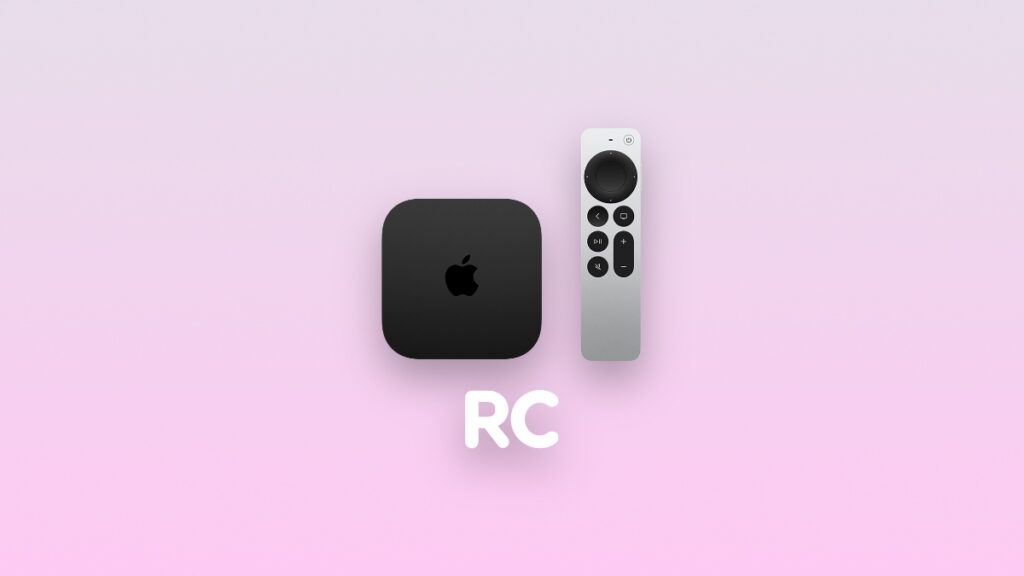

Here’s how you can download and install the new tvOS 26.1 RC update with build number 23J580 on your Apple TV right now.
Download and Install tvOS 26.1 RC on Apple TV Today with New Apple TV App Icon and Bug Fixes
Apple will likely release the final version of tvOS 26.1 to everyone next week, but today, developers and public beta testers can download that final update already.
In order to do that, just go to Settings > System > Software Update > Update Software on your Apple TV. Install the available update and you’ll be running tvOS 26.1 RC in no time.
However, anyone can download tvOS 26.1 RC on Apple TV by simply signing up for the public beta. I’ve covered the steps in detail here, so make sure you check them out.
If you don’t want to read all that, just launch Safari on your iPhone, iPad, or Mac, and then go to this website: beta.apple.com
On the website, sign in using your Apple Account that you’re using on your Apple TV. Once done, go to Settings > System > Software Update, and you’ll find an option here for enabling the public beta update. Once done, download the tvOS 26.1 RC update from the Update Software section.